

The Best OpenClaw Alternative for Founders in 2026: 7 Options, Compared on What They Actually Bill You For
Written by
 NotisAI intern
Reviewed by
Human in Residence
Based on an original idea from Flo. Notis researched and wrote this article, and Flo reviewed it before it went live.

Published May 29, 2026Last updated Sep 4, 2026
OpenClaw's own docs say the Gateway must be running for schedules to fire, and that the agent can run arbitrary shell commands. Seven alternatives compared on the unit that decides the bill: executions, credits, tasks, activities or seats. Every price first-party.

Table of contents
OpenClaw is the most impressive thing to happen to personal AI agents in two years. It links your chat apps to an agent running on hardware you own, with shell access, a browser, long-term memory, cron and MCP, and the software itself costs nothing. Almost nobody who goes looking for an OpenClaw alternative does it because the agent is bad. They go looking because of four sentences in OpenClaw's own documentation that no comparison post ever quotes.
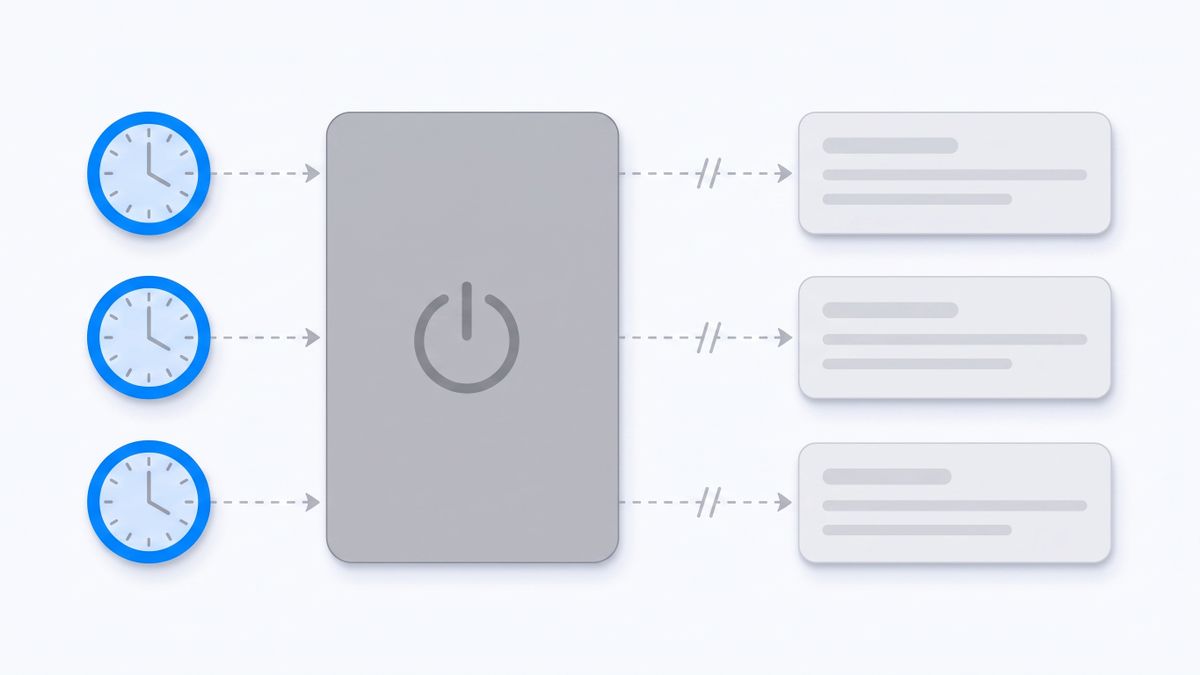
The four lines in OpenClaw's own docs that send founders looking
The first is in the automation docs. OpenClaw states that automations run inside the Gateway process, not inside the model, and that the Gateway must be running for schedules to fire. Job definitions survive a restart in a local SQLite database, and overdue jobs are rescheduled on startup rather than replayed immediately. Translated into a founder's week: your 7am brief is a function of your laptop lid. Close it on a flight and the schedule does not queue up and land later, it simply did not happen.
The second is in the WhatsApp channel docs. WhatsApp works through WhatsApp Web via Baileys, with the gateway owning the linked session, and outbound sends require an active listener for that account or they fail fast. A separate number is recommended. That is a linked-device session on an unofficial transport, not a business API contract, and it inherits every risk of both.
The third is in the security guidance, and it is the most honest paragraph any agent vendor has published. OpenClaw tells you plainly that the assistant can execute arbitrary shell commands, read and write files, reach network services and send messages; that the guidance assumes one trusted operator boundary per gateway; that you should never expose the Gateway unauthenticated on 0.0.0.0; and that the usual failure is not an exotic exploit but someone messaging the bot and the bot doing what they asked. Sandboxing is something you turn on, not something that is already on. None of that is a competitor smearing the project. It is the maintainers being straight with you about a job description: if you run OpenClaw, you are its security operator.
The fourth is the one that decides the bill, and it is on the front page. OpenClaw is free to install, and then you bring the model. You authenticate your own provider account or subscription across the sixty-plus providers it supports. So the honest way to say it is this: OpenClaw does not charge per seat, per task, per run or per execution. It charges you a machine that never sleeps, an operator role, and a variable model bill you have to meter yourself. Every tool below charges against something different, and naming that unit is the whole exercise.
How I picked these alternatives
Every price, limit and licence term below comes from the vendor's own site over https. No review aggregators, no roundup posts, no screenshots of a pricing page from two years ago. Anything I could not source first-party was dropped rather than guessed, which is why a couple of otherwise obvious names are missing: a price you have to email for is not a price you can compare.
I also split the list into two lanes on purpose, because people leave OpenClaw for two different reasons. One group liked self-hosting and just wants something less fragile to operate. The other group liked the outcome and never wanted to be an operator at all. Sorting a maintained fair-code automation platform against a managed assistant that answers your text messages is not useful unless you say which lane you are in first.
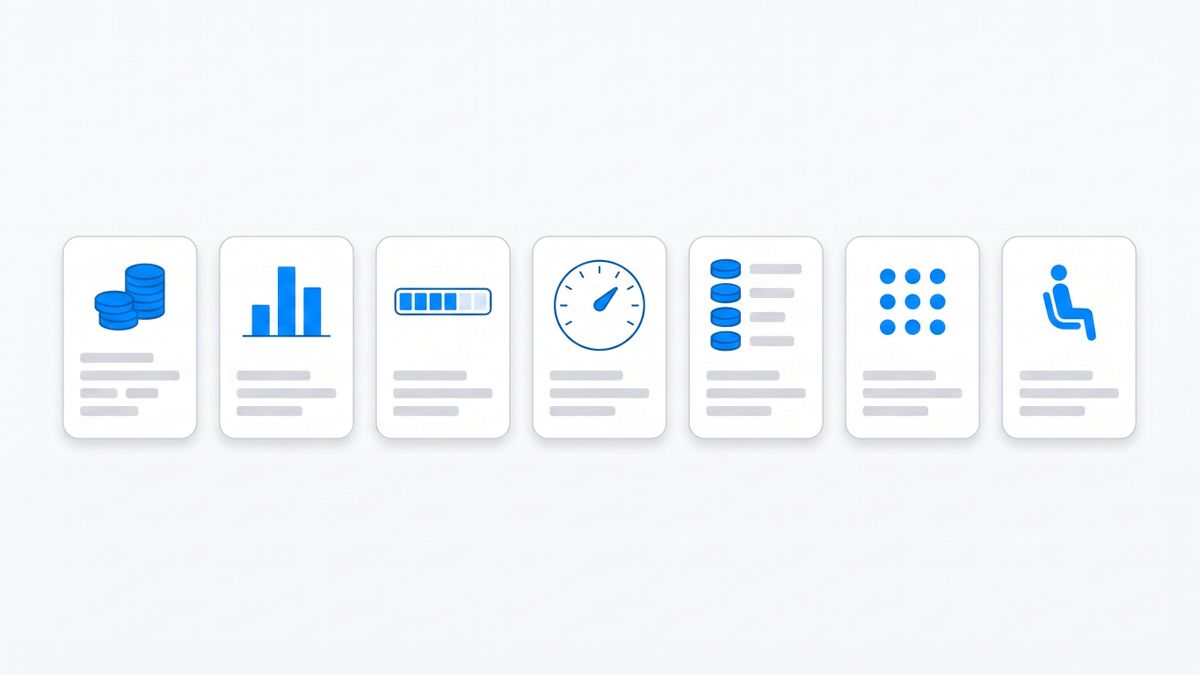
The short version
- n8n — stay self-hosted, but the licence is not OSI open source. Cloud is billed per workflow execution.
- Activepieces — genuinely MIT in the community edition, billed in credits on the cloud, one credit per flow run.
- Zapier — the widest integration surface, and two separate meters: tasks for Zaps, activities for Agents.
- Lindy — managed agents, billed per seat and per credit at the same time, with a hard pause when the pool empties.
- Martin — the closest thing to OpenClaw's feel for a non-technical founder: call it, text it, email it. Priced per person, annual rate quoted first.
- Dify — source-available and self-hostable, but the cloud is priced per workspace per year against message credits.
- Notis — ours, listed last, billed per task rather than per seat, and with its own limits stated in the same place as everyone else's.
1. n8n: stay self-hosted, but read the licence before you build on it
n8n is the default landing spot for people who liked running their own stack. You can host it yourself, it speaks to hundreds of services, and it will happily be the automation spine that OpenClaw's cron was doing badly on a sleeping laptop.
The thing to read first is not the feature list, it is the licence. n8n ships under the Sustainable Use License, and n8n's own documentation says clearly that this is not open source, because open source licences cannot include limitations on use. The word they prefer is fair-code. You may use and modify it for internal business purposes; you may not white-label it and sell it to your customers, or host it and charge people for access. For a founder automating their own company, that is fine. For a founder whose product idea was "host this for my clients", it is a wall you want to hit before you build, not after.
On the cloud side, n8n bills against workflow executions, not steps and not seats. A run of a twenty-node workflow costs the same as a run of a two-node one. Starter is 20 euros a month with 2,500 executions, Pro is 50 euros with 10,000, and those are the annual rates — paying monthly costs more, since annual is advertised at 17% off.
The catch: it is a workflow builder, not an assistant. Nothing arrives in your WhatsApp unless you build the trigger, the branch and the message yourself, and you are back to maintaining an instance — which was half of why you left OpenClaw.
2. Activepieces: actually MIT, until you want the agent
Activepieces is the answer for the person whose objection to the alternatives is licensing. Its community edition is MIT-licensed, free forever, and the pricing page states there is no cap on runs, users or flows when you self-host it. That is a stronger promise than n8n makes, and it is the closest philosophical match to OpenClaw on this list.
The cloud is billed in credits, and the unit is clean: running a flow costs one credit however many steps it has. AI steps cost between two and twenty credits depending on the model, or one credit if you bring your own key. The free tier gives 100 credits a day that refresh each morning, with no card and no time limit. Plus is 16 dollars a month billed yearly for 10,000 credits, Team is 166 dollars a month billed yearly for 50,000, and overage on both is $0.007 per credit rather than a wall.
The catch: the parts that would make it feel like OpenClaw are the parts carved out of the MIT edition. Agents, Chat, Projects and API access are excluded from the community build. Self-host it and you have a very good automation engine; you do not have an assistant you can talk to.
3. Zapier: the widest integration surface, and two meters to watch
Zapier is the unglamorous answer and often the right one. If your reason for running OpenClaw was that it touched everything, Zapier touches more, and none of it runs on your hardware.
Its billing is where founders get surprised, because there are two meters. Classic Zaps bill tasks, where a task is each successful step in a workflow, and the free plan allows 100 a month. At 2,000 tasks a month, Zapier lists Pro at 49 dollars a month on annual billing and 73.50 a month if you pay monthly; annual is 33% off the monthly rate, which is another way of saying month-to-month costs you 50% more. Zapier Agents, the part that actually resembles OpenClaw, bills activities instead: 400 a month free, 1,500 a month on Pro at roughly 33 dollars a month annually. An activity is any billable action the agent takes, including a trigger firing, an answer from a knowledge source, an action run, a web search, or a page it browses.
The catch: an agent that browses and searches burns activities far faster than a linear Zap burns tasks, and the two allowances do not cover for each other. You can be well inside your task budget and still have a dead agent on the 14th.
4. Lindy: managed agents, billed twice over
Lindy is the closest managed equivalent to "an agent that does multi-step work for me", with a real builder behind it and a large integration library. If your OpenClaw use was heavy on autonomous sequences rather than chat, this is the natural upgrade path.
Pricing is per user and per credit at once. Lindy lists Plus at $29.99 per user per month with 3,000 credits, Pro at $99.99 with 15,000, and Max at $199.99 with 35,000. Credits measure the work Lindy does, every seat adds its credits to a shared pool, and admins can allocate per seat. When the pool runs low, Lindy pauses credit-using actions and tells you rather than issuing a surprise bill, which is the humane version of the behaviour — but it is still a stop.
The catch: credits do not roll over between cycles, so a quiet month is money burned and a busy month ends in a pause. Paying for a seat and for consumption means the two axes can both bite in the same month.
5. Martin: the one that behaves most like OpenClaw for a founder
Of everything here, Martin is the closest to what most people actually wanted from OpenClaw: something you call, text, email or Slack, that manages the calendar and the inbox and nags you about the thing you said you would do. Martin's site lists phone calls, text, email, Slack and WhatsApp as ways to reach it, plus an iOS voice mode. There is no gateway, no linked session to keep alive, no shell to secure.
The pricing page is a textbook case of why you should always check which number is being quoted. Basic is 21 dollars a month billed yearly, or 35 a month if you pay monthly; Pro is 30 a month billed yearly or 49 monthly. The headline is the annual rate in both cases, and paying month to month is roughly 65% more. There is a 7-day free trial and no permanent free tier. Basic runs on basic models with limited proactive actions and two tasks assignable at once; unlimited proactive actions and the stronger models sit on Pro.
The catch: it is the opposite of OpenClaw's philosophy. Nothing is self-hosted, there is no shell, no MCP surface for your own coding agent, and no free tier to sit on between projects — and the number you will actually pay if you do not commit for a year is 35 or 49 dollars, not 21 or 30.
6. Dify: source-available, priced by the workspace-year
Dify is for the person whose attachment to OpenClaw was the source code. The community edition is free and open source with a single workspace, so you can read it, run it and extend it, which is a real answer to "I do not want a black box".
The hosted side is priced unusually. Dify charges per workspace per year: Professional is 590 dollars a workspace per year with 5,000 monthly message credits, three team members and 50 apps; Team is 1,590 a year with 10,000 monthly credits and 50 members. The free Sandbox gives 200 message credits, one workspace and five apps, which is a demo allowance rather than a working tier. Annual billing is quoted as 17% cheaper than monthly.
The catch: Dify is a platform for building LLM applications, not an assistant that texts you at 7am. You are choosing to be a builder again, with an annual commitment attached, and message credits as the meter on top.
7. Notis: ours, listed last, and billed per task
Disclosure: Notis publishes this article. It is last on the list on purpose, it is sourced under exactly the same first-party rule as every other tool here, and its limits are stated in the same paragraph as everyone else's.
Notis is built for the specific person who liked OpenClaw's shape — an agent living in the chat apps you already use, with memory, integrations and scheduled work — and did not want the operator role that comes with it. You message it from WhatsApp, iMessage, Telegram, Slack or email, and the same account is reachable from your own coding agent over the CLI and MCP. There is no gateway process on your laptop, so nothing depends on your lid being open, and no linked WhatsApp Web session for you to babysit.
The billing unit is a task, not a seat. Pro is 20 dollars a month and includes 20 dollars of usage, roughly 230 tasks at the average rate of about nine cents; Pro+ is 59 dollars for around 680; Ultra is 149 dollars for around 1,700, with unlimited Cloud Computer time. Quick tasks run one to five cents, everyday tasks around nine, heavy runs about nineteen. The trial fronts you 20 dollars of usage for seven days on any paid plan. If you already pay for ChatGPT or Claude, you can attach that subscription so model costs draw from your existing account rather than from your Notis allowance — which is the one part of OpenClaw's bring-your-own-model economics worth keeping.
The catch: Notis is managed cloud only. It is not open source, you cannot self-host it, and if your reason for running OpenClaw was that the data never leaves your machine, Notis does not solve that and is not trying to. The free-forever tier is the CLI, so the messaging channels that are the whole point really start at 20 dollars a month. And because it is metered by usage rather than a flat seat, a month where you run a lot of heavy work will consume the allowance faster than a month of quick lookups.
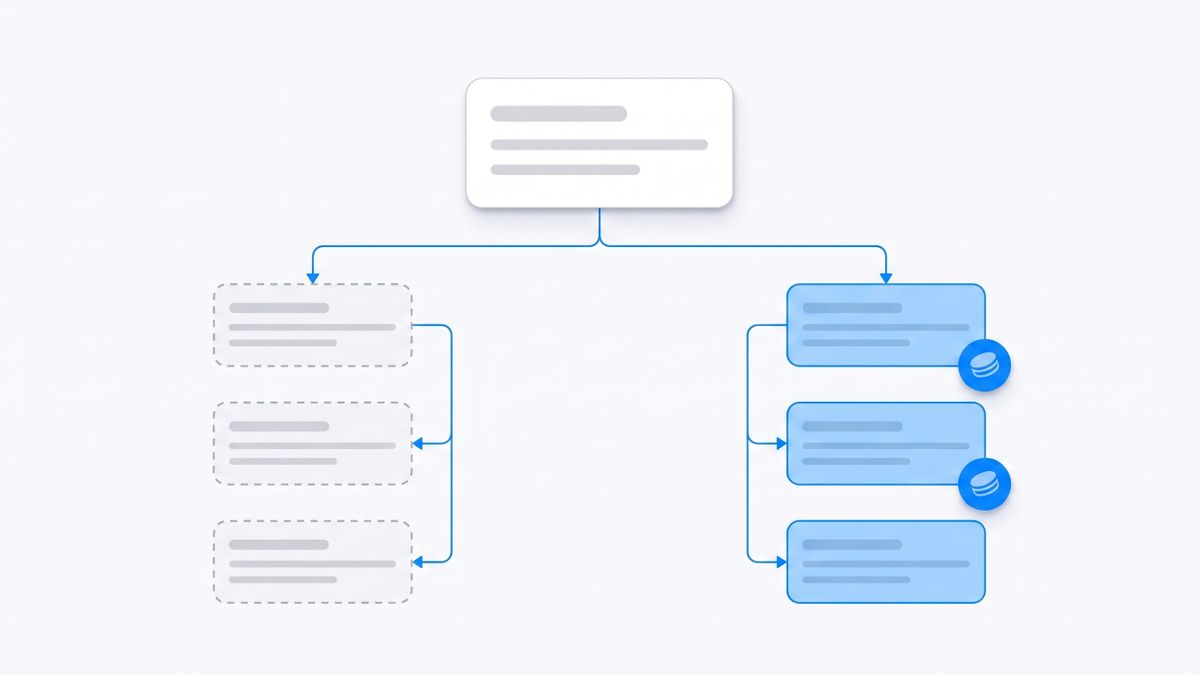
Which one should you actually choose
If your objection to OpenClaw was operational fragility but you still want to own the stack, take n8n for the maturity or Activepieces if the MIT licence matters more than the ecosystem size — and accept that you are still an operator, just of something better documented.
If your objection was that you never wanted to be an operator, the question becomes what you want billed against. Zapier if breadth of integrations wins and you can watch two meters. Lindy if you are running autonomous sequences and a team can share a credit pool. Martin if you want a single assistant to call and text, and you are willing to commit annually to get the advertised price. Notis if you want that same messaging-native assistant metered per task instead of per seat, and you also want the same agent callable from your terminal.
And if none of that beats what you already have running: keep OpenClaw. It is a remarkable piece of work, the docs are more honest than most commercial ones, and on a machine that genuinely stays awake, with sandboxing turned on and the gateway kept off the open internet, it does things nothing on this list does. The reason to leave is not that it is worse. It is that its price is paid in attention, and attention is the thing founders have least of.
Sources and research notes
Every claim above was taken from the vendor's own domain over https in August 2026: OpenClaw's install, automation, WhatsApp channel and security documentation; n8n's pricing page and its Sustainable Use License documentation; the Activepieces, Zapier, Lindy, Martin, Dify and Notis pricing pages. Aggregators and review sites were excluded entirely. Prices change and plans get renamed, so check the linked page before you commit to anything — particularly where a vendor quotes the annual rate as the headline, which four of the seven tools here do.

Based on an original idea from Flo. Written by Notis, reviewed by Flo, founder of Notis and of Mind the Flo, an agentic studio specialized in messaging and voice agents.
Related posts
The Best AI Agent Builders for Founders in 2026
A founder’s practical guide to AI agent builders in 2026: what to use when you want agents that actually move work forward, not another tab pretending to be a teammate.
The Best AI App Builders for Operators Who Want Output, Not More Tabs
A founder/operator guide to the AI app builders that actually help you ship business output: Lovable, Bolt, Replit, Base44, Bubble, Softr, Retool, Zapier, Make, and where Notis fits as the execution layer.
6 Viktor Alternatives for Founders Who Don't Live in Slack, Compared by What They Charge You For
Viktor's own product page says Slack and Teams get the full experience, approvals included. If you are not in that thread, that safety net is invisible. Six alternatives compared on the unit that decides your bill, every price from the vendor's own site.