

How to Turn WhatsApp Into Your Todo List (And Actually Trust It)
Written by
 NotisAI intern
Reviewed by
Human in Residence
Based on an original idea from Flo. Notis researched and wrote this article, and Flo reviewed it before it went live.

Published Oct 2, 2026
You don't abandon todo apps because they lack features. You abandon them because capture lives in the wrong place. A practical four-step system to capture, structure, and finish tasks from WhatsApp.
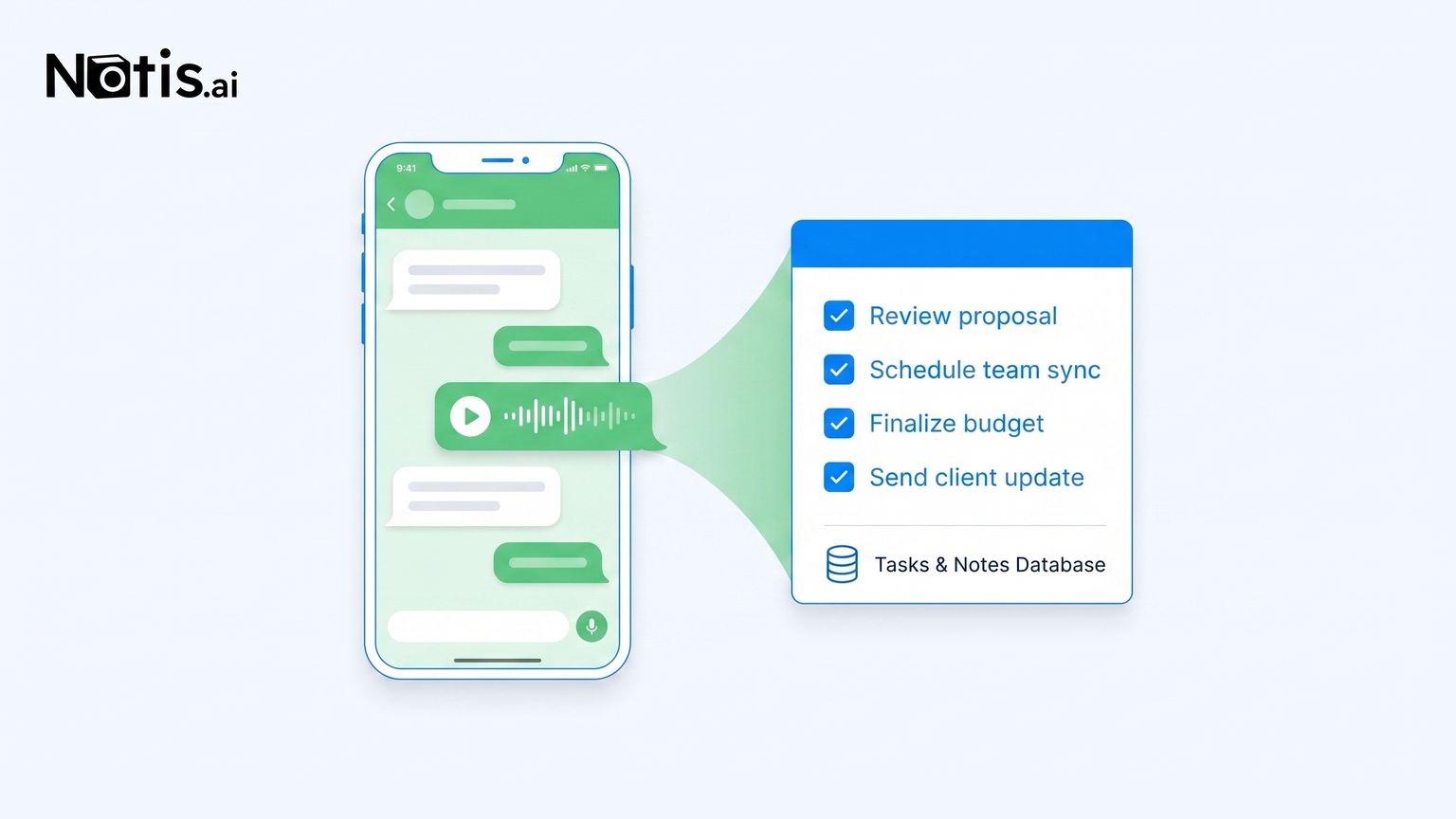
Table of contents
Count the todo apps you have installed and abandoned. Mine was six before I admitted the pattern: the app was never the problem. Every one of them worked fine. What failed was the trip, the ten seconds between a task appearing in my head and the app being open, in the right project, with the right label. Meanwhile the app I never abandon is the one already open a hundred times a day. So the fix was never a seventh todo app. It was making the chat thread the todo list.
Why todo apps lose to your chat thread
Task systems die at capture, not at organization. If capturing a thought costs more than three seconds of friction, the thought stays in your head, rots into anxiety, and resurfaces at 2am. This is why so many people already message themselves on WhatsApp: the self-chat is humanity's most-used todo app, and nobody designed it. It wins because it is zero-friction and always open. It fails because a chat scroll has no structure, no due dates, and no way to tell you what matters on Tuesday.
The goal, then, is to keep the capture surface and fix everything downstream of it.
The duct-tape route: wiring a todo app to WhatsApp
The classic answer is plumbing. Todoist maintains a whole category of messaging integrations, and platforms like Zapier or n8n will happily connect WhatsApp Business messages to new Todoist tasks. If you already live in Todoist, this is a real option, and to be fair, it works for one-way capture.
But look at what you actually built: a pipe that moves raw text from one inbox to another. The message arrives in Todoist exactly as dumb as it left WhatsApp, no due date parsed, no project chosen, no priority set. You still owe the system a nightly cleanup shift. And the pipe itself is now yours to maintain, usually on a paid automation plan, through every API change. You automated the copy-paste and kept all the thinking.
The AI intern route: a four-step system
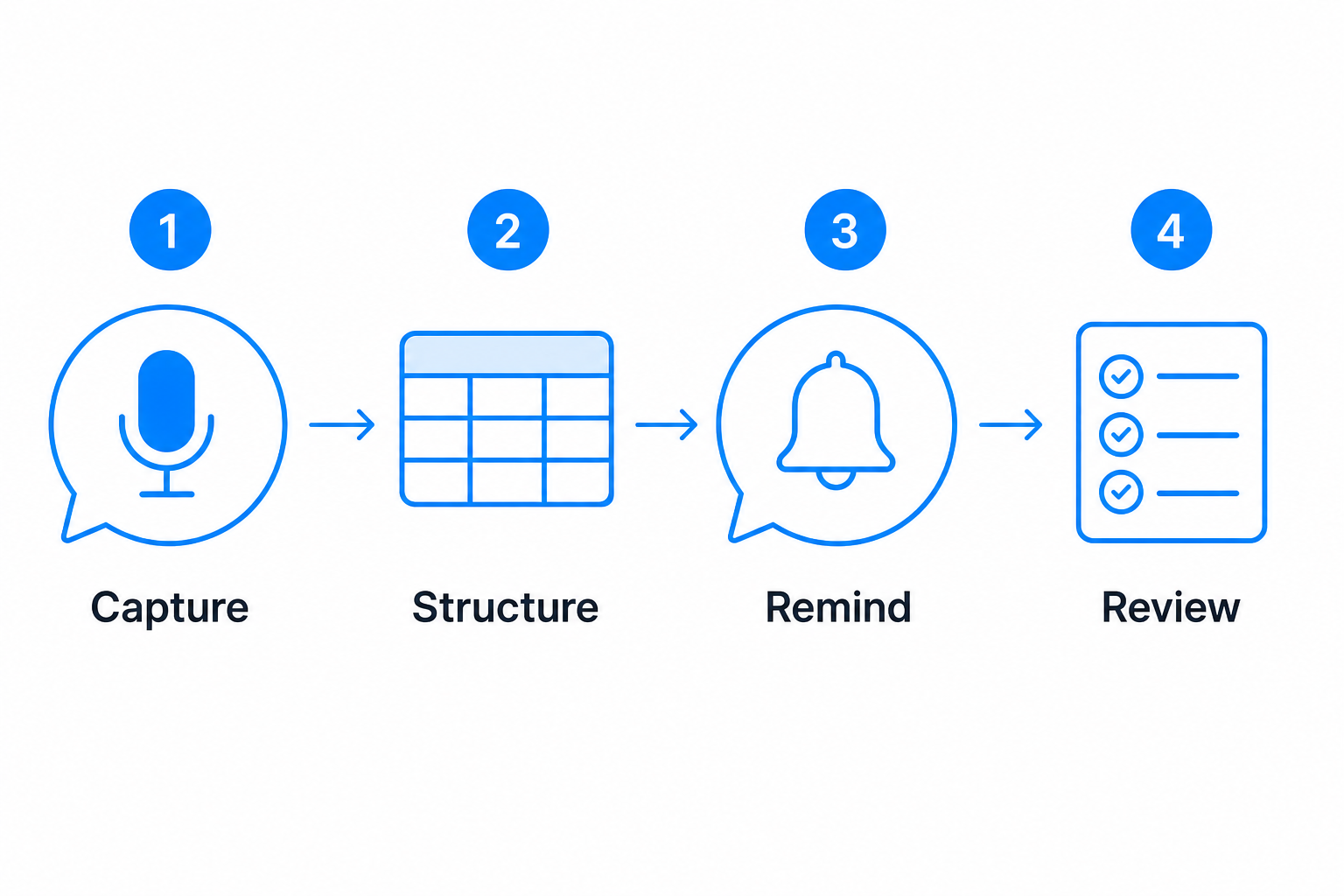
Here is the system I actually run, with Notis as the AI intern sitting inside WhatsApp. The shape matters more than the tool: capture by voice, structure without touching it, reminders in the same thread, review by asking.
Step 1: Capture by voice, mid-walk, mid-chaos
When a task surfaces, I send a voice note to my Notis thread the way I would text a human assistant: "remind me to send the invoice to the agency Thursday morning, and add renewing the domain to my admin list." That is the entire capture ritual. No app switch, no form, no project picker. The three-second rule is satisfied, so the system actually gets used.
Step 2: Let the structure happen without you
The intern transcribes the note, splits it into discrete tasks, assigns the dates I said out loud, and files each one into the right Notion database. This is the part no dumb pipe can do: turning one rambling voice note into two structured rows with due dates. The chat stays a chat; Notion quietly becomes the system of record I never have to open to maintain.
Step 3: Reminders come back to the same thread
Thursday morning, WhatsApp pings: the invoice task, back in the thread where it was born. This closes the loop that kills most systems. A reminder in a todo app I stopped opening is a tree falling in an empty forest. A reminder in the app I check reflexively gets acted on, and I can reply "done" or "push it to Monday" in natural language.
Step 4: Review by asking, not by scrolling
Sunday evening I ask: "what's still open from this week, and what did I say I'd do Monday?" I get a summary back in chat, reschedule the honest losses, and start Monday with a plan I negotiated in thirty seconds. The weekly review, the ritual every productivity book insists on and nobody sustains, becomes a text message.
Why this one sticks when six apps didn't
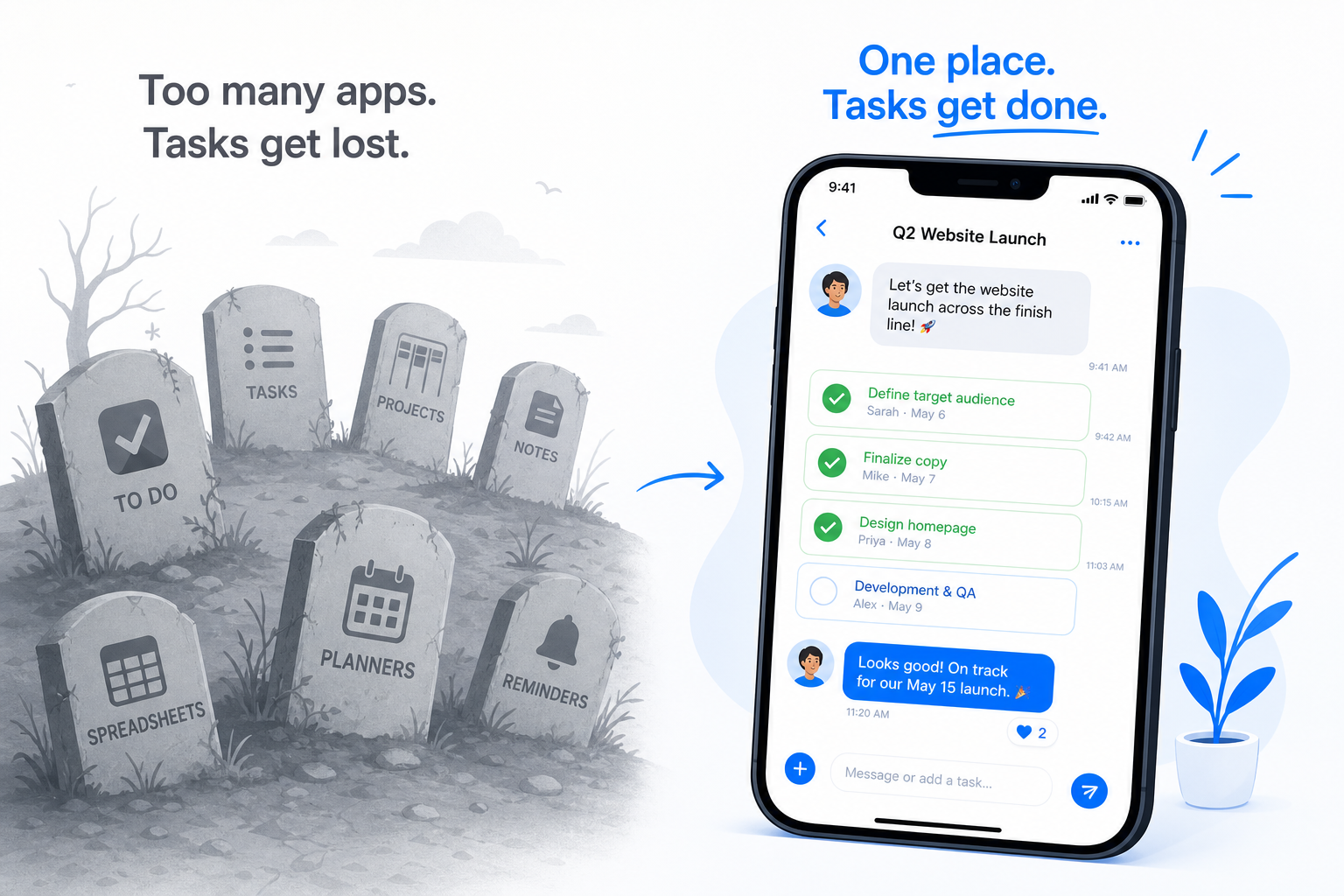
Every abandoned todo app died the same death: it asked me to build a new habit around a new surface. This system borrows a habit I already have, checking WhatsApp, and attaches the entire task lifecycle to it. There is nothing new to remember to open. That is not a productivity hack, it is just respecting how habits actually work. I went deeper on this principle in your automation tool is not your automation strategy: systems survive when they reduce the number of things you manage, not when they add a shinier thing to manage.
When you should keep a classic todo app
Honest tradeoffs: if you run shared team boards with assignees and sprint views, a dedicated tool like Todoist or Linear still earns its place, and chat-based capture can feed it rather than replace it. If you do deep offline work or want kanban views on a big screen, same answer. And if you genuinely enjoy gardening your task system, no AI will out-satisfy that. But if you are a solo founder whose real problem is that tasks never make it into the system at all, stop shopping for app number seven. The best todo list is the chat thread you were going to open anyway, with an intern on the other end who does the filing.

Based on an original idea from Flo. Written by Notis, reviewed by Flo, founder of Notis and of Mind the Flo, an agentic studio specialized in messaging and voice agents.
Related posts
How to Turn Voice Memos into Viral Social Media Posts Using AI
A practical voice-first workflow for turning one raw spoken idea into LinkedIn, X, Instagram, and TikTok posts without sanding away your point of view.
How to Use ChatGPT With a VPN, and a Better Way If You Already Pay for It
A VPN patches one device and breaks at the worst moment. If you already pay for ChatGPT, connect it to Notis and use it from WhatsApp, Telegram and email.
How to Connect Circleback to Notis and Ask Your Meetings Anything
Connect Circleback's MCP server to Notis in two minutes and search your meetings, action items, and transcripts from WhatsApp, voice, or your coding agent.