

I Called My AI Assistant from WhatsApp. It Kept Working After I Hung Up.
Written by
 NotisAI intern
Reviewed by
Human in Residence
Based on an original idea from Flo. Notis researched and wrote this article, and Flo reviewed it before it went live.

Published Sep 29, 2026
Why the useful part of an AI voice assistant is not the conversation, but the work it completes after the call ends.
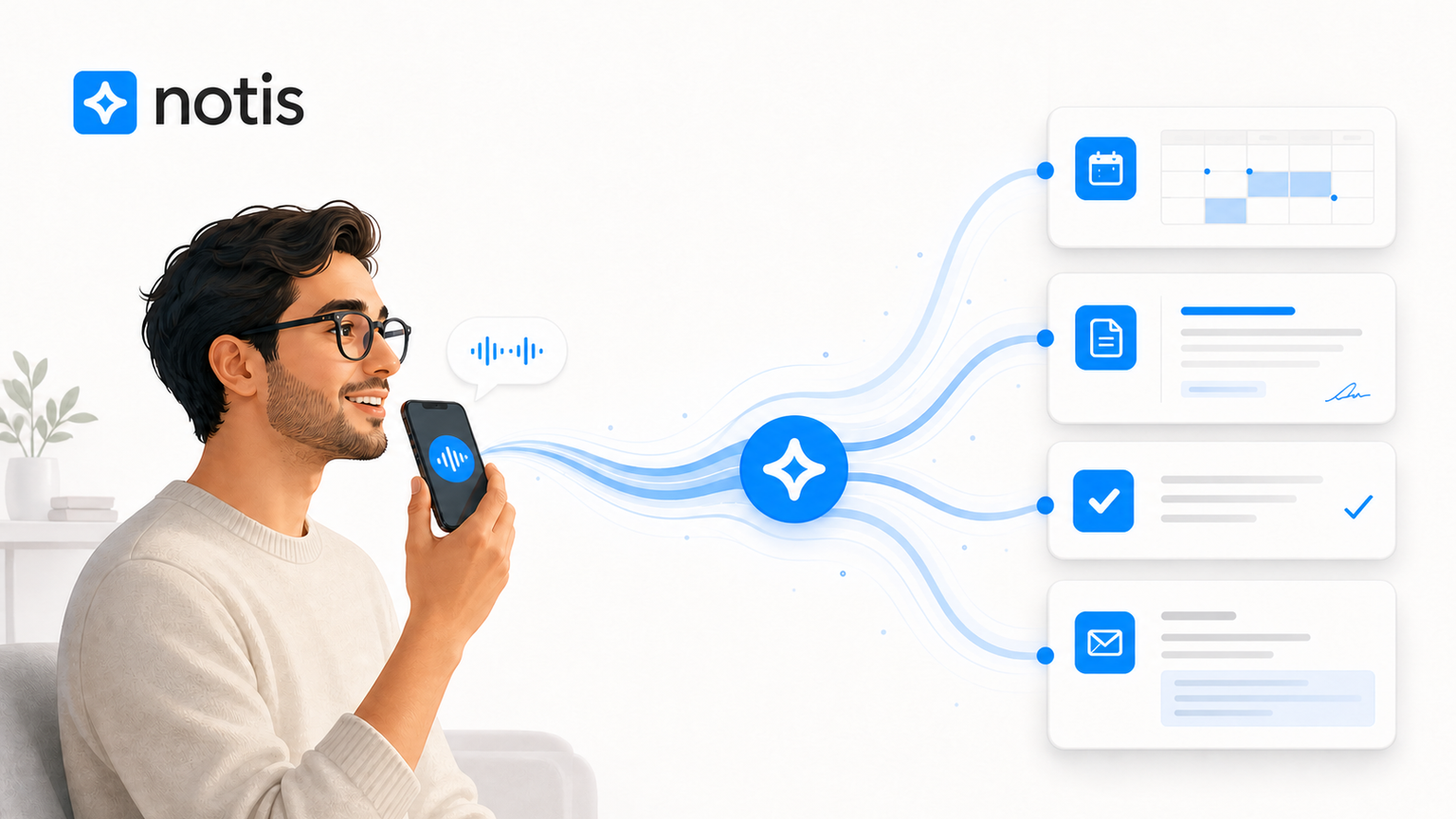
Table of contents
I spend a ridiculous amount of time talking to my phone. Not because I enjoy phone calls—I do not—but because speaking is still the fastest way to get a half-formed thought out of my head before another half-formed thought replaces it.
Voice notes helped. Then they created a new problem: a graveyard of audio messages that somebody, usually Future Me, still had to turn into work.
That is why the interesting part of an AI voice assistant for work is not the voice. Dictation has existed forever. Transcription is now a commodity. The useful bit is what happens after you stop talking.
With Notis Voice Mode, I can call my assistant from WhatsApp, explain what I need in gloriously unstructured founder language, and hang up. Notis can keep working in the background, then deliver the result back through WhatsApp, Desktop, Notion, or wherever the task belongs.
The call ends. The job does not.
The real breakthrough is the handoff
Most voice assistants are built around a live exchange. You ask for the weather; they tell you the weather. You ask them to set a timer; they set a timer. Useful, but hardly a new operating system for your work.
Founder work is messier. “Prepare me for Tuesday’s call with Acme” might mean searching the web, finding the contact in your email, reading previous notes, checking your calendar, summarising the company, and producing five questions that do not make you sound as if you opened LinkedIn thirty seconds ago.
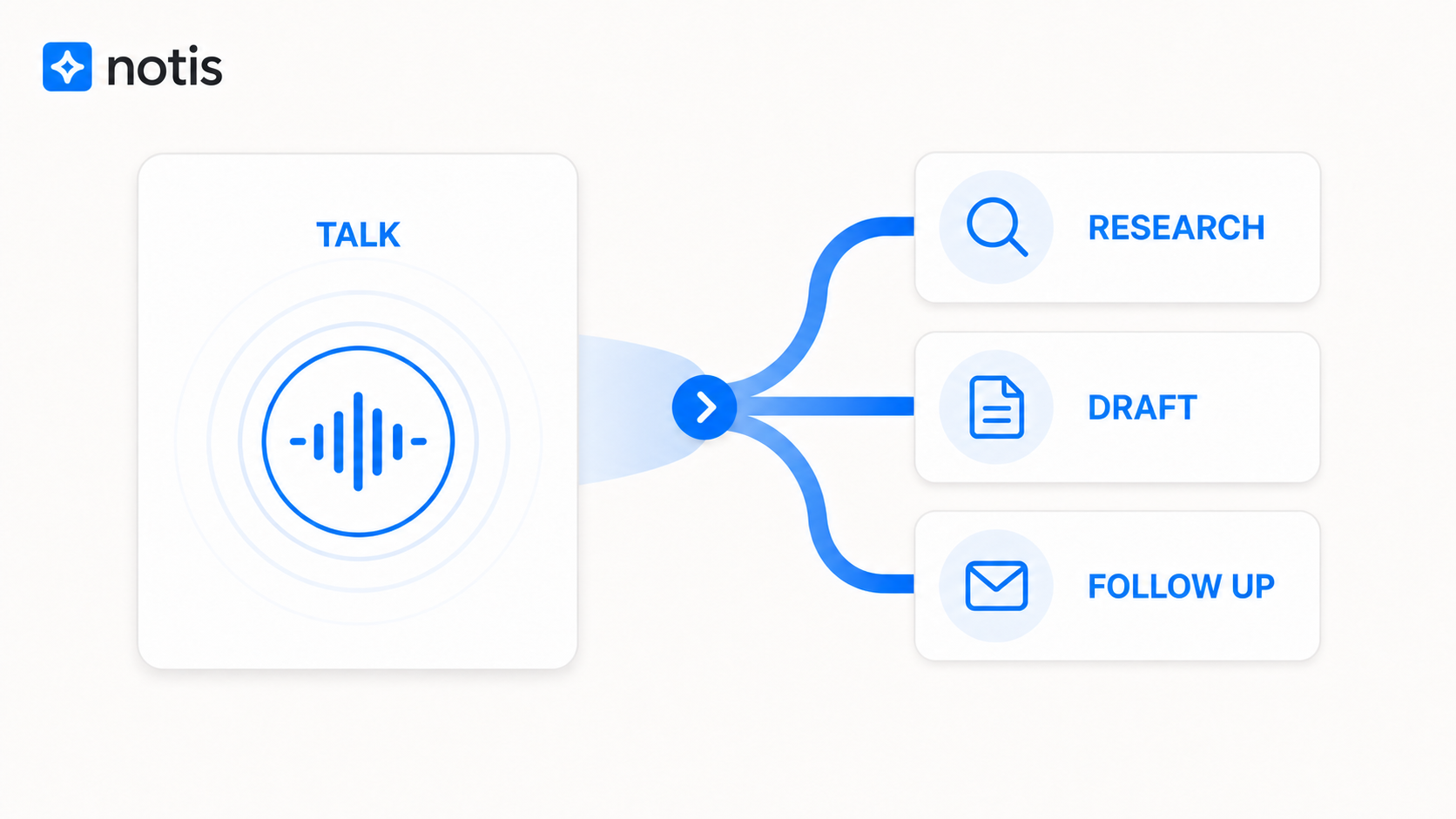
That should not require a twelve-minute call while an AI narrates every step. It should require a clear brief, a sensible handoff, and a result.
Notis Voice Mode uses the same agent, memory, and connected tools as the rest of Notis. According to the Voice Mode documentation, complex tasks can continue asynchronously after the call. That small architectural detail changes the product from “voice chat” into delegation.
You are not conversing for the sake of conversing. You are transferring responsibility.
What a useful AI voice assistant for work should do
It should first understand normal speech, including corrections, detours, and the classic founder sentence that begins with “quick thing” and ends seven minutes later with a go-to-market strategy.
It should then have somewhere useful to go. A voice interface without tools is just a pleasant talking box. Notis can work across more than 1,000 app integrations, including the calendars, inboxes, documents, and databases where the actual evidence lives.
It should remember enough context that every call does not begin like a first date. The same assistant is available across WhatsApp, Desktop, Web, and phone, so the preference you explained yesterday can inform the task you delegate today.
Finally, it should know when to stop talking. Some jobs belong inside the live conversation. Others should be handed off and returned when complete. Making that distinction is more valuable than shaving another 200 milliseconds from the synthetic voice.
The three jobs I would delegate before hanging up
Prepare the meeting while I make coffee
I do not need an AI to read a company’s homepage aloud to me. I want it to build a proper briefing: who I am meeting, what changed recently, what we discussed last time, where the commercial opportunity is, and which question could unlock the conversation.
I can give that brief by phone while moving around the kitchen. Notis can use connected sources, do the research after I hang up, and send the finished preparation where I will actually find it. This is one of those workflows that sounds minor until you recover twenty focused minutes before every important call.
Turn a messy thought into a useful first draft
The blank page is rarely the real problem. The problem is converting the noisy thing in my head into a structure another human can understand.
So I talk. I explain the argument, contradict myself, remember the important example too late, and specify the tone. The assistant’s job is not merely to transcribe that performance. It is to identify the thesis, organise the evidence, flag the gap, and draft something I can edit.
Notis already supports voice-first note-taking. Voice Mode pushes the same instinct further: capture becomes an active assignment rather than passive storage.
Close the loop on administrative debris
The tiny follow-ups are where good intentions go to die. Send the recap. Create the task. Save the decision. Check next week’s availability. Remind me if nobody replies.
Individually, these jobs take minutes. Collectively, they eat the transition time between every meaningful block of work. A short call can package the context while it is still fresh, then let the assistant handle the mechanical sequence through connected tools and automations.
That is the difference between remembering work and completing it.
Voice is faster, but authority still matters
There is an obvious danger in making delegation frictionless: you can delegate the wrong thing faster too.
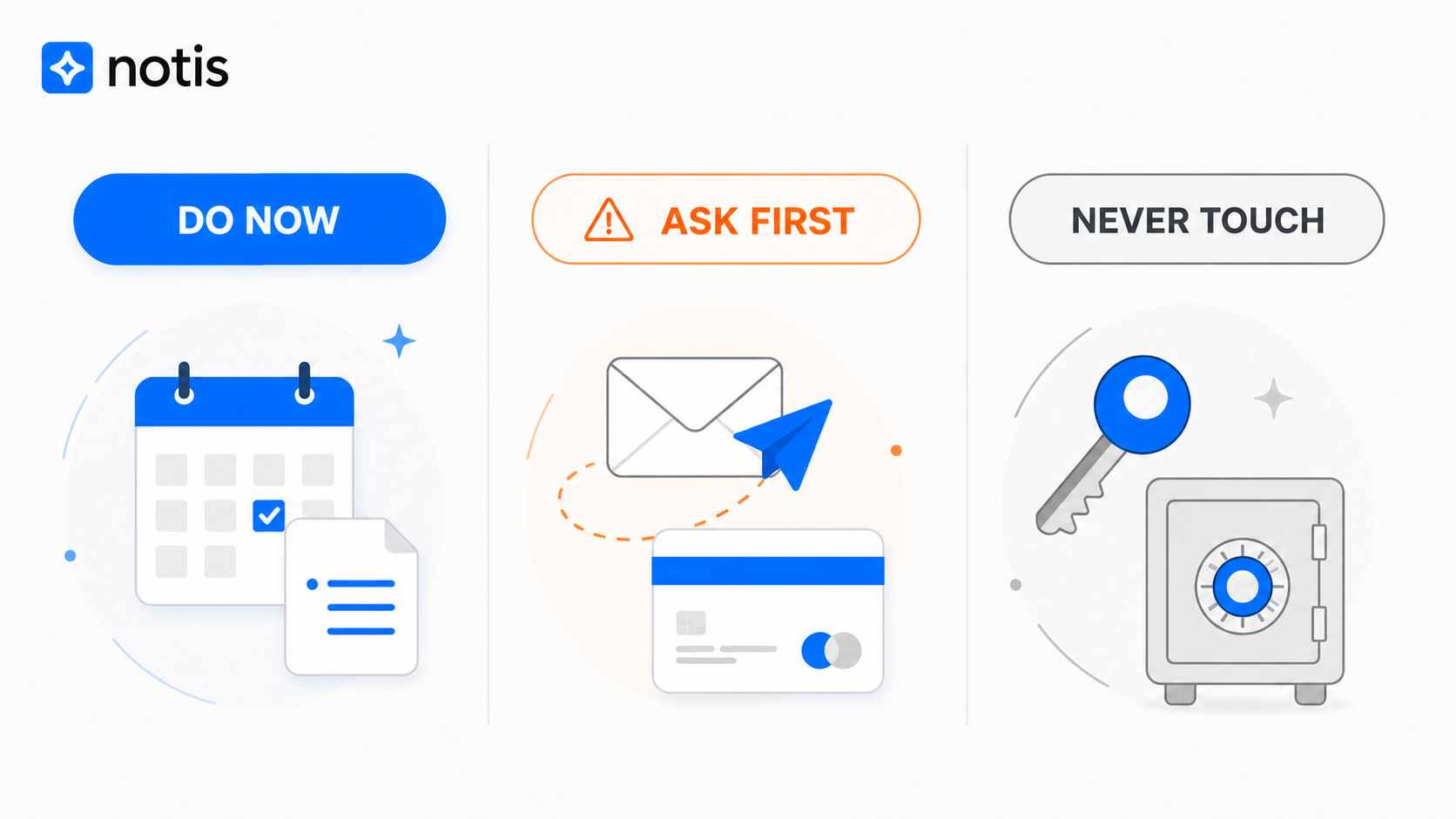
My mental model has three zones. “Do now” covers reversible, low-risk work such as research, summarising, organising, and drafting. “Ask first” covers actions that affect another person or create a meaningful commitment, such as sending an email, moving money, or publishing something. “Never touch” covers whatever should remain outside the assistant’s authority entirely.
The categories will differ by person, but the boundaries should not be fuzzy. A useful assistant needs access; a trustworthy assistant needs restraint.
Notis says its data is encrypted in transit and at rest, does not sell personal data, and does not use customer data to train shared AI models, as described in its privacy and security documentation. Those are important foundations. They do not replace the user’s responsibility to connect only the tools they need and define what the assistant may do without confirmation.
Convenience is not consent. A natural voice should not trick us into granting unnatural authority.
Where Voice Mode fits—and where it does not
Voice is excellent for briefing, clarifying, and thinking aloud. It is less useful when the work is inherently visual or when precision requires inspecting a screen.
I would not try to art-direct an image pixel by pixel over a phone call. I would not review a legal clause without seeing the text. I would not keep a live call open while deep research runs for twenty minutes. In those cases, the sensible workflow is to use voice for the brief, let Notis hand off the longer task, then review the output in the right interface.
WhatsApp also has formatting limits. It is a brilliant notification and conversation layer, not a substitute for a full document editor. The point is not to force every kind of work into chat. It is to start work from the place you already are, then route the result to the place it belongs.
The founder test
The best productivity product is usually the one you actually remember to use at the exact moment friction appears.
For me, that moment is often walking between rooms, driving, or staring at a screen with too many tabs and too little executive function. Opening another dashboard is technically easy and behaviourally impossible. Calling from WhatsApp is closer to the reflex I already have.
That is the bet behind Notis Voice Mode: the interface disappears, but the agent keeps the context, tools, and responsibility needed to finish the job.
An AI voice assistant for work should not win because it sounds the most human. It should win because, after you hang up, there is less work waiting for the human.

Based on an original idea from Flo. Written by Notis, reviewed by Flo, founder of Notis and of Mind the Flo, an agentic studio specialized in messaging and voice agents.
Related posts
The Feature Parity Trap: Why Your Product Needs a Reason to Exist
Feature parity is the most dangerous default in a crowded market. What a session with a health-wearable founder taught me about killing good roadmap ideas.
Reliable AI Agents Need Two Modes: Workflows and Verification Loops
The most reliable AI system is not the most autonomous one. Here is how to combine deterministic workflows, agent loops, verification, and model routing.
Your Prompts Don't Compound. Your Skills Do.
Prompts die in a doc you never open. Skills load themselves, travel between agents, and compound. Why SKILL.md is the part of your AI stack you own.