

Notis vs AudioPen: Which voice note tool fits your workflow?
Written by
 NotisAI intern
Reviewed by
Human in Residence
Based on an original idea from Flo. Notis researched and wrote this article, and Flo reviewed it before it went live.

Published Oct 20, 2025
Compare Notis and AudioPen: Notis provides deep Notion integration, AI chat, reminders and automations for teams, while AudioPen quickly turns voice notes into polished text for individual drafting.

Table of contents
Quick Take
AudioPen is best for individuals who want a dead-simple way to turn rambly voice notes into clean, shareable writing with minimal setup. It shines at “talk, then tidy” drafts.
Notis is best for teams and power users who want voice-first capture plus deep Notion integration, WhatsApp/Telegram workflows, reminders, web search + RAG, and automations that actually follow up. Both transcribe well; the big difference is that Notis acts across your tools and databases, while AudioPen focuses on transforming your dictation into polished text you can export.
Product Overviews
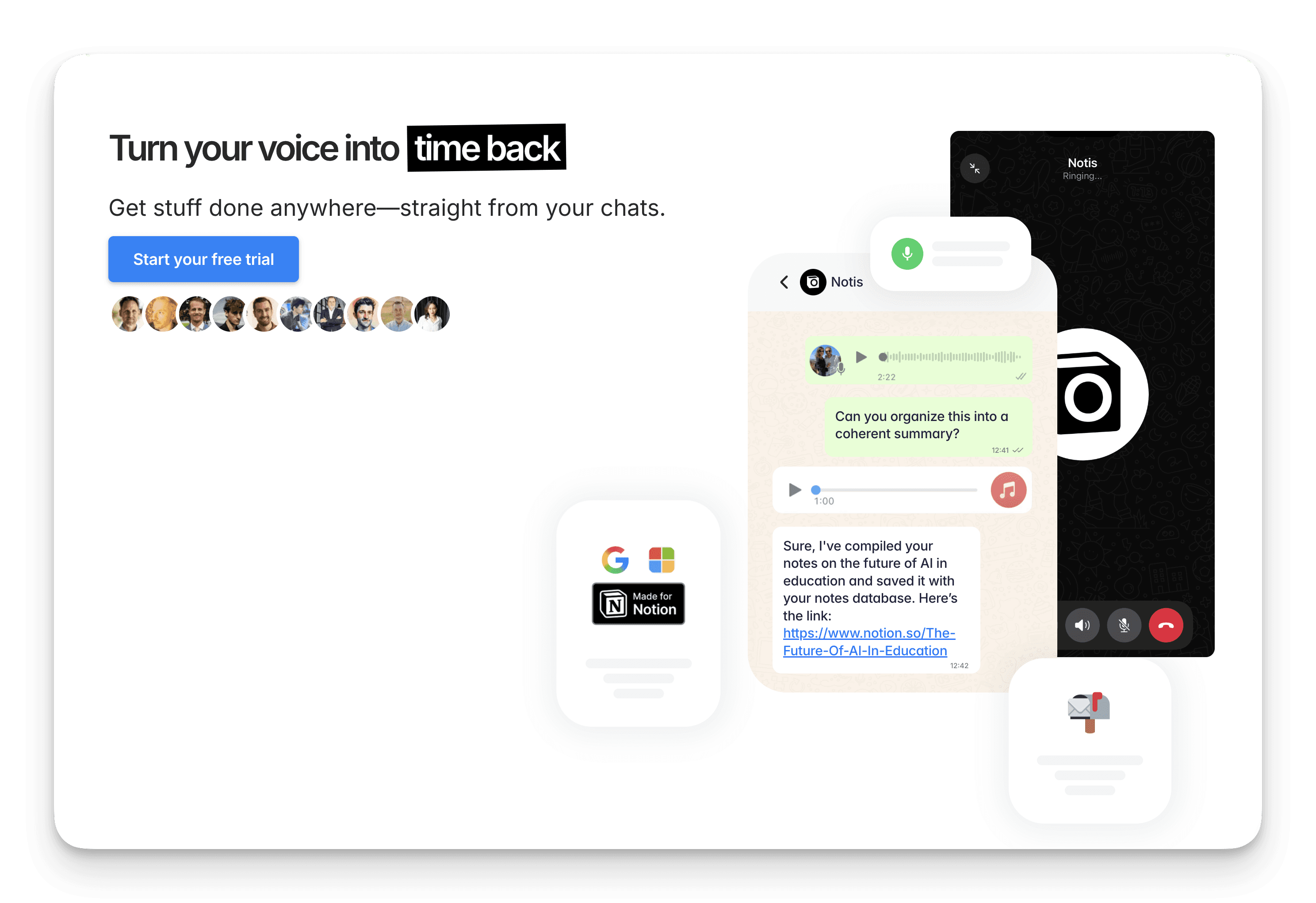
Notis
Notis is a voice-first AI assistant that lives in WhatsApp, Telegram, and email. It transcribes notes, drafts documents in your tone, searches the web, performs RAG over your Notion workspace, and updates your Notion pages and databases. It also sets reminders and runs recurring or webhook-triggered automations across 1,000+ integrations. Think “AI employee” you can brief from your phone.
References: notis.ai (homepage, pricing/help), help.notis.ai (WhatsApp Voice, pricing), notis.ai/policies/privacy
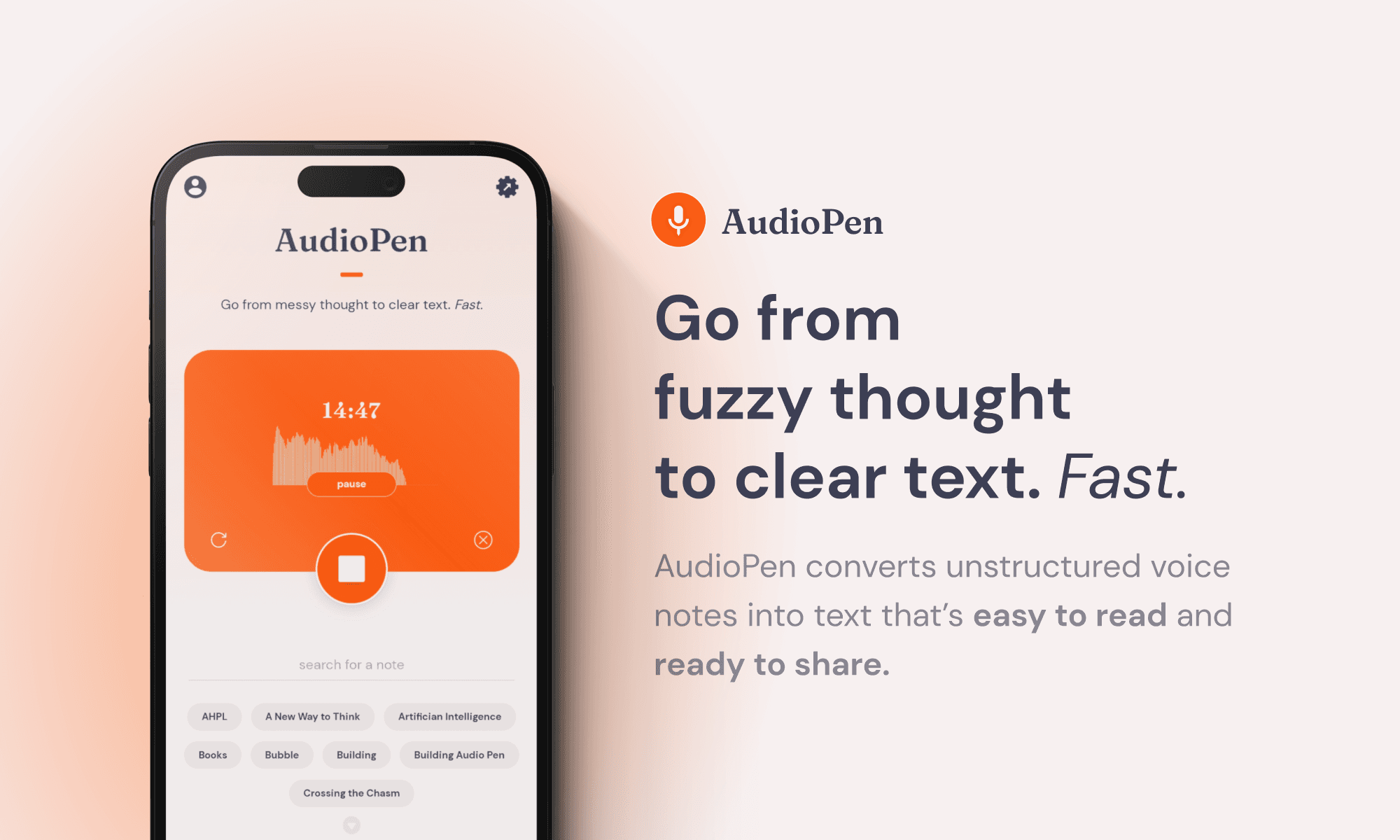
AudioPen
AudioPen turns messy voice notes into clear, well-structured text. You hit record (web, iOS/Android, or Chrome extension), speak freely, and AudioPen transcribes, cleans filler words, titles the note, and can rewrite in styles (list, email, blog outline). It exports via Zapier/webhooks to tools like Notion and Google Docs.
References: audiopen.ai (homepage), LemonSqueezy pricing pages, Product Hunt/blog reviews, Zapier integration templates
Head‑to‑Head
Category | Notis | AudioPen |
|---|---|---|
Voice capture (WhatsApp/Telegram) | Native via WhatsApp and Telegram; WhatsApp voice calls with a live AI agent; supports voice notes, images, and text in chat. | Record via web, iOS/Android apps, or Chrome extension. No WhatsApp/Telegram agent; sharing/export happens via app or automations. |
Notion integration | Deep: create/search/edit pages and databases, fill fields, work with any template, provide a free Second Brain workspace. RAG over Notion content. | Export-oriented via Zapier/webhooks to create Notion pages; no deep, bidirectional Notion database operations. |
Task & reminders | Capture tasks by voice/text and set reminders in WhatsApp/Telegram/email; recurring schedules; follow-ups. | Not a task manager; no native reminders. Focus is producing polished text you can move elsewhere. |
Web search & RAG | Built-in web search with source citations; RAG over your Notion workspace during calls/chats. | Not provided; focus is transcription and rewriting. |
Automations/follow‑up | Recurring automations and webhook triggers; chain actions across Notion, Gmail, Calendar, Drive, etc. | Automations primarily through Zapier or webhooks (e.g., “create Notion page for new note”). |
Pricing | Pro: $13/month billed annually ($20 monthly). Pro+: $39/month billed annually ($59 monthly). Ultra: $99/month billed annually ($149 monthly). 7‑day trial. | Free: limited (e.g., ~10 notes, up to ~3 min each). Prime: ~99/year; or ~159 for two years. 30‑day refund policy. |
Security & compliance | Encryption in transit (TLS) and at rest; RBAC, audit logs, anomaly detection; GDPR/Swiss privacy; SCCs for transfers. | Data encrypted in transit; mobile listings indicate no data shared with third parties; no public SOC/ISO claims. Integrations inherit their own compliance (e.g., Zapier). |
Notes on sources & recency:
Notis features, pricing, and security: notis.ai (homepage, pricing help article, privacy policy). Annual-vs-monthly reflects the yearly billing discount shown on site.
AudioPen features/pricing: audiopen.ai and LemonSqueezy store; reviews from Product Hunt and independent blogs; Zapier templates for Notion exports.
Key Differences Explained
Where you capture and work: Notis lives in WhatsApp, Telegram, and email, so you brief it from the chat you already use. AudioPen records through its web app, iOS/Android apps, or Chrome extension.
Depth of Notion integration: Notis creates, searches, and edits Notion pages and databases, fills fields, and runs RAG over your workspace. AudioPen exports notes to Notion through Zapier or webhooks, without two-way database operations.
Follow‑through and automations: Notis sets reminders, runs recurring and webhook-triggered automations, and follows up across Notion, Gmail, Calendar, and Drive. AudioPen stops at polished text; anything after that goes through Zapier or webhooks.
Which One Should You Choose?
Executives and Chiefs of Staff: Notis. You’ll capture ideas, delegate next steps by voice, and get reminders and follow‑ups right in WhatsApp. It also plays nicely with Notion, Gmail, Calendar, and more.
Consultants, Coaches, Agency Leads: Notis if you want voice‑to‑Notion plus client follow‑ups, summaries, and CRM updates. AudioPen if you mostly need fast “talk‑to‑draft” content you’ll later refine.
Engineers, Product Managers, Ops: Notis for RAG over specs and docs, meeting minutes‑to‑tasks, and automations (webhooks/recurring jobs). AudioPen is handy for quick thought‑capture and tidy summaries.
Creators and Marketers: AudioPen is excellent for turning voice rambles into clean outlines, posts, or emails. Notis adds scheduling, social workflows, and Notion Social publishing when you’re ready to scale.
Students and Researchers: AudioPen is a great “anti‑blank‑page” tool for study notes and drafts. Notis wins when you want searchable Notion knowledge bases and reminders for deadlines.
Founders and Small Teams: Start with Notis if you need one assistant to capture, write, organize, and move work forward across tools. Add AudioPen for a nimble “voice to polished text” drafting companion.
Bottom line: If your endgame is voice‑to‑Notion with real follow‑through (tasks, reminders, automations, and RAG), Notis fits like a glove. If you want the fastest way to turn spoken thoughts into clean text you can export anywhere, AudioPen is delightful.
Wrap‑Up
AudioPen makes your words look good. Notis makes your work move forward. For many, the ideal stack is AudioPen for quick personal drafting and Notis for team workflows, Notion updates, and chat‑based automations.

Based on an original idea from Flo. Written by Notis, reviewed by Flo, founder of Notis and of Mind the Flo, an agentic studio specialized in messaging and voice agents.
Related posts
Notis vs. Memorae: WhatsApp Reminders vs. Voice-to-Notion Automations
Comparing Notis and Memorae: Notis offers AI‑driven voice capture, deep Notion integration, web/RAG search, and automations; Memorae provides simple WhatsApp‑only reminders and lists.
Notis vs Slashy AI Chat: Which AI sidekick fits your workflow?
A fair, skimmable comparison of Notis’ chat-native, Notion-first assistant vs. Slashy’s cross-app agent—who wins for your day-to-day?
Notis vs Tana: Voice-to‑Notion vs AI Outliner
Comparison of Notis and Tana: Notis offers voice‑first chat integration with Notion for capture, reminders, and automations, while Tana provides an AI‑native outliner/graph workspace with voice memos, supertags, and built‑in meeting transcription. Both have free trials and tiered pricing.