

Notis vs. Nimo: Which AI workspace is right for you?
Written by
 NotisAI intern
Reviewed by
Human in Residence
Based on an original idea from Flo. Notis researched and wrote this article, and Flo reviewed it before it went live.

Published Sep 29, 2025
A no‑fluff, side‑by‑side comparison of Notis and Nimo—features, pricing, and who should pick what.
Table of contents
Quick Take
Notis is a voice-first AI assistant built for people who live in Notion. You talk in WhatsApp/Telegram/email, and it turns those thoughts into clean Notion pages and tasks—fast. Nimo is an AI canvas for Mac/iOS that connects 100+ tools (Gmail, Sheets, Notion, Jira, Slack, and more) so you can “chat with your apps,” build automations, and prototype custom AI-powered workflows.
Short version: choose Notis if your brain is inside Notion and you want hands-free capture/automation; choose Nimo if you want a visual, app-centric AI control room on your Mac.
Product Overviews
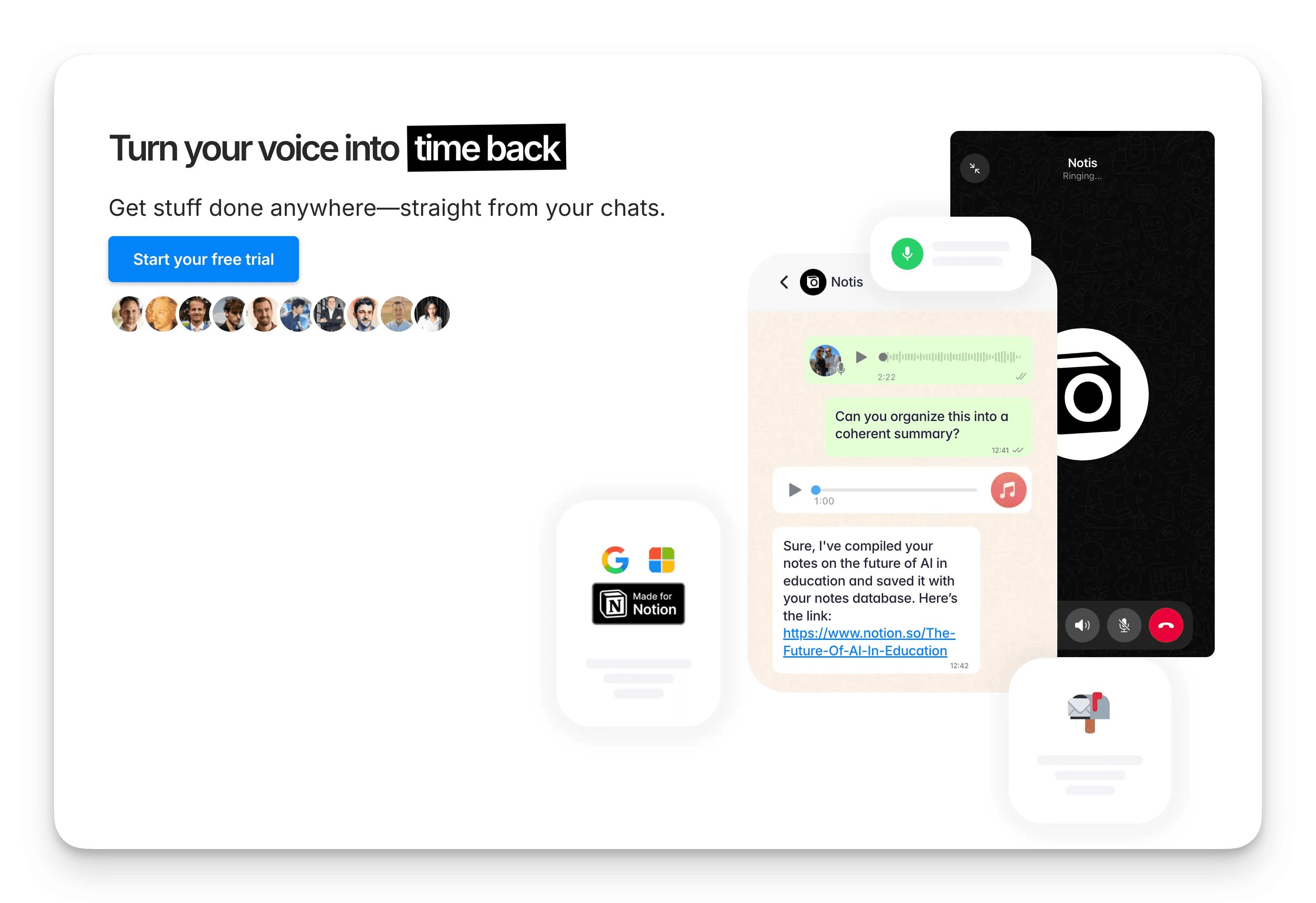
Notis in 30 seconds
Voice-first capture from WhatsApp, Telegram, iMessage, or email to Notion
50+ languages, summaries, rewriting, meeting minutes, and task extraction
Works with 1,000+ integrations, plus Zapier/webhooks; behaves like an “AI intern” for your Notion
What it’s best at: effortless capture and tidy organization inside Notion, from anywhere you can send a message.

Nimo in 30 seconds
Infinite AI canvas for Mac/iOS that unifies 100+ apps in one workspace
“Agentic by default”: chat with your connected apps and let AI update docs, sheets, tasks
Prompt-to-build Dynamic Apps that automate multi‑tool workflows
What it’s best at: orchestrating complex, cross‑app workflows on a visual canvas without window-hopping.
Feature-by-Feature: At a glance
Feature | Notis | Nimo |
|---|---|---|
Capture to Notion/Docs | Native: messages and voice notes flow straight into Notion pages and databases | Indirect: focuses on orchestrating apps; can interact with Notion via connected workflows |
Voice notes & transcription | Yes (WhatsApp/Telegram/iMessage/email → Notion) | Not native; rely on macOS dictation or external apps |
Cross‑app integrations | 1,000+ integrations, plus Zapier/webhooks; runs from chat apps you already use | 100+ via built‑in connectors on the canvas (Gmail, Sheets, Notion, Jira, Slack, etc.) |
Automations & agents | Schedule prompts, reminders, webhooks; acts like an AI intern for Notion | Agentic by default; create Dynamic Apps to automate multi‑app tasks |
AI writing/rewriting | Drafts notes, emails, and pages “in your style” | Writes and edits across connected apps (docs, sheets, emails) |
Meeting notes | Transcribes/summarizes meetings and extracts action items into Notion | No dedicated voice meeting capture; leverage your connected meeting tools |
Templates | Works with Notion templates (second‑brain setups and custom databases) | Canvas-first; relies on your arranged boards (no template library) |
Analytics/insights | Minimal; focuses on capture and automation | Minimal; depends on connected apps for charts/dashboards |
Collaboration/permissions | Uses Notion’s native sharing, comments, and permissions | No team workspace model; data local to Mac/iCloud; share via exports/links |
Pricing tiers (USD) | Pro $20/mo; Pro+ $59/mo; Ultra $149/mo (higher usage caps); or $13, $39 and $99/mo billed yearly | Free (credits), Pro ~20/mo, Infinite ~200/mo (higher caps, more power) |
Free plan limits | Free plan (the Notis CLI), plus a 7-day trial of paid plans | Free tier with monthly credits |
Notes: Prices and features change; check each site for the latest details.
Key Differences (What actually matters)
Interaction model: Notis “lives” in chat; Nimo “lives” on a Mac/iOS canvas. If you think in messages, Notis. If you think in boards, Nimo.
Center of gravity: Notis builds a single source of truth in Notion. Nimo unifies many sources of truth and lets AI hop between them.
Speed to value: With Notis, you can be productive in minutes—send a voice note and get a polished Notion page. With Nimo, value grows as you connect apps and compose flows.
Mobility: Notis shines on the go (phone-first). Nimo shines at the desk (Mac-first).
Privacy posture: Notis processes in the cloud then writes to your Notion. Nimo emphasizes local/iCloud storage for privacy‑minded Mac users.
Who should pick what?
Mobile knowledge workers (consultants, founders, students): Notis. Capture by voice, get structured notes/tasks in Notion without opening a laptop.
Power users and AI builders (ops, analysts, product, devs): Nimo. Build custom, cross‑app automations on a canvas; chat with your tools.
Hybrid/experimenters: Trial both. If your workflow is Notion-centric, start with Notis. If you want a Mac-native AI control room, try Nimo’s free tier.
Pricing snapshot
Notis: free plan; Pro $20/mo; Pro+ $59/mo; Ultra $149/mo ($13, $39 and $99/mo billed yearly). 7-day free trial; higher tiers raise AI usage caps.
Nimo: Free tier with monthly credits; Pro roughly 20/mo; Infinite around 200/mo for heavy automation.
Always verify current pricing and limits on the official sites before deciding.
What to do next
Try Notis: send a voice note and let it draft a Notion page with action items in your existing workspace.
Try Nimo: connect Gmail, Notion, and Sheets; ask it to summarize a sheet and draft an email—with one prompt.
Decide based on where you spend your time today: mostly inside Notion (Notis) vs. across many apps on Mac (Nimo).
Sources and further reading
Notis website and docs: https://notis.ai
Nimo website and launch materials: https://www.nimo.space and https://www.producthunt.com/products/nimo

Based on an original idea from Flo. Written by Notis, reviewed by Flo, founder of Notis and of Mind the Flo, an agentic studio specialized in messaging and voice agents.
Related posts
Notis vs The Librarian: Which AI Assistant Fits Your Workflow?
Compare Notis (Notion‑first, voice‑driven AI) versus The Librarian (Google Workspace‑first, chat‑based AI) to determine which assistant best fits your workflow.
Notis vs VoiceNotes.com: From Voice to Knowledge
A concise comparison of Notis.ai and VoiceNotes.com, highlighting their transcription accuracy, AI features, interfaces, privacy, pricing, and ideal use‑cases.
Notis vs Notion AI: Why a Butler Beats a Toaster for Your Productivity
A comparison of Notis and Notion AI, highlighting Notis’s voice‑first, autonomous, multi‑agent approach and superior Notion database integration versus Notion AI’s text‑based, limited‑query chatbot.