

The Best Motion App Alternatives for ADHD Founders Who Are Done Planning and Ready to Execute
Written by
 NotisAI intern
Reviewed by
Human in Residence
Based on an original idea from Flo. Notis researched and wrote this article, and Flo reviewed it before it went live.

Published Jul 3, 2026Last updated Sep 4, 2026
Motion charges per seat and per AI credit, with no free tier and a workspace-wide pool that resets monthly. Five researched Motion app alternatives, each with first-party pricing, the annual-versus-monthly gap named, and an honest catch.

Table of contents
If you are shopping for Motion app alternatives, you have probably already run the experiment. You signed up because an AI that decides when you work sounded like the fix for a brain that cannot sequence. You spent a Sunday loading every project in. And by week three the auto-scheduled blocks were sliding past you like weather, while the subscription kept renewing.
Most comparison posts tell you Motion is expensive and move on. That is not specific enough to act on. So here is the specific version, taken off Motion's own pages, followed by five alternatives that are priced and built differently, and one disclosure at the end because the last tool on this list is ours.
The Real Reason People Leave Motion Is Printed on Its Pricing Page
Motion's pricing page lists Pro AI at $19 per seat per month and Business AI at $29 per seat per month. Those are the monthly-billing figures. The toggle above them offers Pay annually (Save 33%), which brings Pro AI down to roughly $12.73 per seat per month if you commit a year up front, and Business AI to roughly $19.43. There is no free tier at any level. The entry point is a trial.
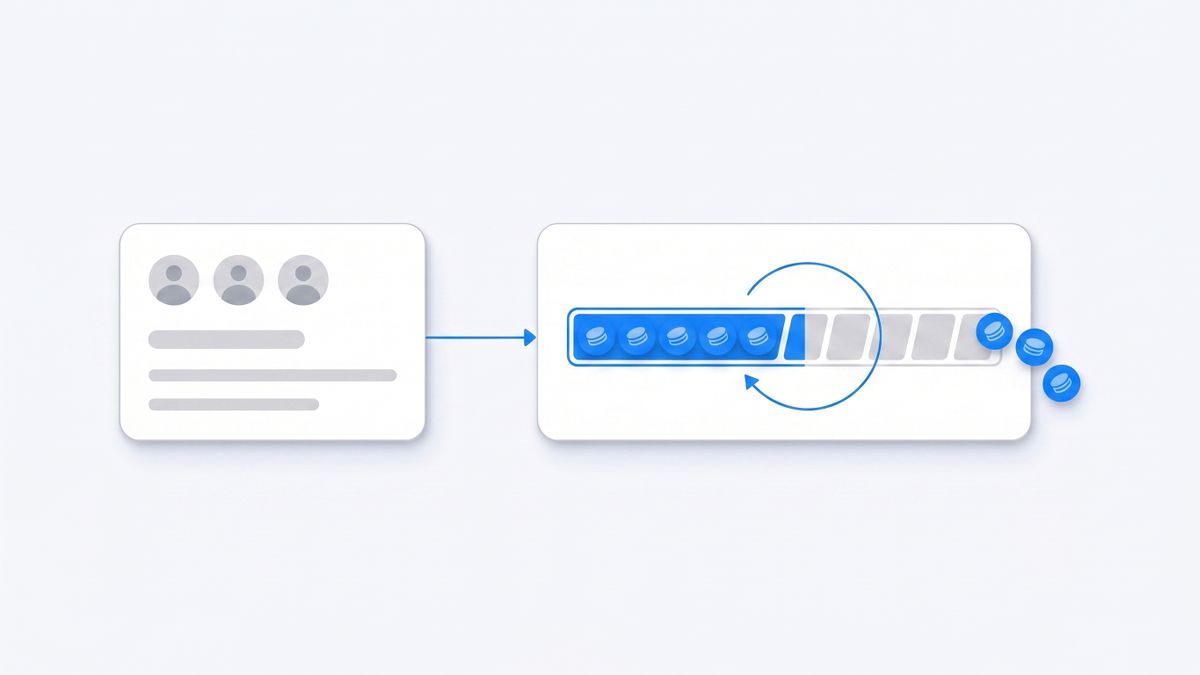
The seat price is only one of two axes, and the second one is the one that surprises people. Each plan ships a fixed allowance of AI credits: 7,500 credits per seat per month on Pro AI, 15,000 on Business AI. Go past the allowance and Motion charges an overage of 25 cents per 100 credits on Pro AI, or 19 cents per 100 credits on Business AI. Motion's own billing documentation fills in the rest: credits are consumed by AI Chat and the AI Meeting Notetaker, they are shared across the workspace rather than ring-fenced per person, and they reset every billing cycle without carrying over.
Read that back as an ADHD founder and the problem announces itself. The features you would lean on hardest are exactly the metered ones: talking to the AI instead of holding the plan in working memory, letting the notetaker catch what you will not remember from a call. The tool sold to absorb cognitive load hands you a new thing to monitor, which is a credit badge. And because billing is tied to the workspace rather than the person, with every Full Access member occupying a seat, a two-person company pays for two seats and shares one credit pool.
None of that makes Motion a bad product. It makes it a product priced for teams with predictable, budgeted AI usage. That is not most solo founders, and it is emphatically not a founder whose usage spikes in the weeks their brain is loudest. If you have ever avoided using a feature you are paying for because you were not sure what it would cost, you already know why people leave.
What Motion Is Genuinely Good At
Auto-scheduling is real and Motion does it better than almost anyone. Give it tasks with durations and deadlines and it lays them onto your calendar, defends the blocks, and reshuffles everything downstream when a meeting lands on top of one. If your failure mode is standing in front of thirty open tasks with no idea which one is now, that is a genuine fix and worth paying for.
Motion's native integration list is short and mainstream: Google Calendar, Gmail, Outlook 365, iCloud Calendar, Zoom, Google Meet, Microsoft Teams, Zapier and Siri. Everything beyond that routes through Zapier or the public API. There is no WhatsApp, no Telegram, no iMessage and no SMS on that list, and for this audience that is the single most consequential line in this article. If your ideas are born inside a chat thread at 11pm, Motion has no door on that side of the building.
So keep Motion if the calendar really is the bottleneck. Keep reading if capture and execution are.
What to Compare When You Shop for Motion App Alternatives
Every tool below schedules something. What separates them is what you are actually buying. Before you pick, get an answer to these six questions, because the marketing pages are organised to avoid four of them.
- What is the price charged against? Seats, tasks, runs, credits and executions are five different bills. Motion charges seats plus credits. Some tools charge a flat seat. One below charges per task.
- Is the headline price the annual one? Several vendors in this category display the annual rate by default, and the monthly rate is 40 to 100 percent higher. That gap is the real cost of not committing a year to a tool you have used for six days.
- Is there a free floor? Not a trial. A plan you can sit on for a quiet month without losing your data.
- Where does capture happen? If capturing a thought requires opening an app, you will lose thoughts. This is not a discipline question, it is a latency question.
- Does it execute or only schedule? A block on a calendar is a promise you still have to keep. A drafted email is work that is done.
- Does it remember? A tool that knows your task list is a to-do app. A tool that knows your business can act without a briefing.
Reclaim.ai: The Closest Like for Like, With a Free Floor
Reclaim.ai is the alternative most Motion refugees land on, because it does the same core job: it takes tasks and habits and defends time for them on your Google Calendar, rescheduling automatically when your day detonates.
The pricing difference is the reason to look. Reclaim has a real free plan called Lite, which no other auto-scheduler on this list offers. Lite is capped, and the caps are specific: one user, two connected calendars, one scheduling link, five AI agents, and a one-week scheduling horizon. Paid Starter is $10 per seat per month billed annually, $12 per seat per month billed monthly, and lifts you to a ten-seat team, ten agents per seat, three scheduling links and an eight-week horizon. Business is $15 per seat annually, $18 monthly. Note that the pricing page opens on the annual view, so the number you see first is not the number you pay if you go month to month.
One axis to watch that nobody mentions: Reclaim also sells Attendee Users in packs on top of your seats, starting at $8 per month for three additional AUs on Starter. If you schedule with people outside your plan, that is a second line on the bill.
The catch: the free Lite plan's one-week scheduling horizon and two-calendar cap make it a trial with no expiry date rather than a workable free tier, and Reclaim still only decides when you work. It never does the work.
Sunsama: The Deliberate Opposite of Auto Scheduling
Sunsama is the philosophical opposite of Motion. Instead of an algorithm placing your day, Sunsama walks you through a guided daily planning ritual: you pull tasks in from your tools, estimate each one, and consciously refuse the ones that will not fit. It is deliberate friction, applied on purpose.
For some ADHD founders this is transformative, because the failure is not knowing what to do, it is having never admitted that eleven things will not fit in one day. Sunsama makes you say the quiet part out loud every morning. For others it is one more daily ceremony to abandon by Thursday. You will know which you are within a week.
Pricing is a single flat plan charged per user, with no credit meter and no usage tiers: $22 per user per month billed monthly, or $17 per user per month billed annually, which is $204 per year. There is no free tier. Access starts with a 14-day trial that does not ask for a card.
The catch: the daily ritual is mandatory in practice. Skip planning for three days and Sunsama becomes an expensive list, because the entire value is in a habit that ADHD specifically makes hard to keep.
Akiflow: Fastest Capture, Steepest Monthly Price
Akiflow is built around one thing: getting a thought out of your head in under two seconds. A global command bar sits over everything, you capture, and later you triage every inbound item from Gmail, Slack, Notion, Todoist and the rest into a single timeline. If your problem is that tasks arrive from nine places and you never consolidate them, Akiflow is the sharpest tool here.
The pricing needs reading twice. Akiflow Pro is $19 per month billed yearly, or $34 per month billed monthly. That is not a rounding difference. Paying month to month costs roughly 79 percent more than the advertised rate, which the page frames as saving 44 percent on the yearly plan. Both plans carry identical features, including the Aki AI assistant and an MCP connector, so the only thing the extra $15 buys you is the right to leave. There is no free tier; the trial runs seven days, and team pricing is not published at all.
The catch: $34 per month is the highest monthly rate on this list, and a seven-day trial is a short window to learn a keyboard-driven triage system well enough to know whether it will survive a bad week.
Morgen: The Calendar Aggregator With the Widest Task Sources
Morgen takes the aggregator route. It pulls every calendar you own into one view, connects to task sources including Todoist, Notion, ClickUp, Asana, Jira and Google Tasks, and layers scheduling and time-blocking on top. Where Motion insists on being the system of record, Morgen accepts that your tasks already live somewhere else and works with that.
For a founder who already keeps a Notion or Todoist setup they actually use, this matters more than any AI feature. You do not have to migrate, and migration is where most tool changes die.
The annual-versus-monthly gap here is the widest of any tool reviewed. Morgen Pro is $15 per month billed yearly, or $30 per month billed monthly, a straight doubling that the page presents as saving 50 percent. Team plans run $10 per seat per month yearly, or $25 per seat per month monthly, with a two-seat minimum. There is no free tier, but the 14-day trial requires no card and there is a 30-day money-back guarantee, which is the most forgiving return policy in this comparison.
The catch: going month to month costs exactly double, and Morgen is a planning and scheduling layer over your existing tools rather than something that changes what gets done.
Tiimo: Built for Neurodivergent Brains, Not for Companies
Tiimo is the only tool here designed from the ground up for neurodivergent users rather than retrofitted for them. It is a visual daily planner built around time blindness: colour-coded blocks, visual countdown timers, checklists that break a task into its actual steps, and a widget that keeps the current block permanently in view rather than buried in a notification you dismissed.
If your specific failure is that the block arrives, you see it, and it passes anyway, Tiimo attacks that directly in a way no auto-scheduler does. Motion tells you when. Tiimo keeps telling you now.
Two things to check before you rely on it. First, the free version is limited to the iOS and Android apps only, with the web app excluded. Second, and more unusual, the seven-day free trial is only available when you buy a yearly subscription. Choose monthly and, in Tiimo's own words, the charge occurs right away. Prices are set through the App Store, Google Play or Paddle at checkout and vary by location.
The catch: Tiimo is a planner, not a work tool. It has no CRM, no email drafting and no business integrations, so it complements whatever runs your company rather than replacing it.
Notis: The One That Executes Instead of Scheduling
Disclosure: Notis is our product. Treat everything in this section with the suspicion that deserves, and check the pricing page yourself.
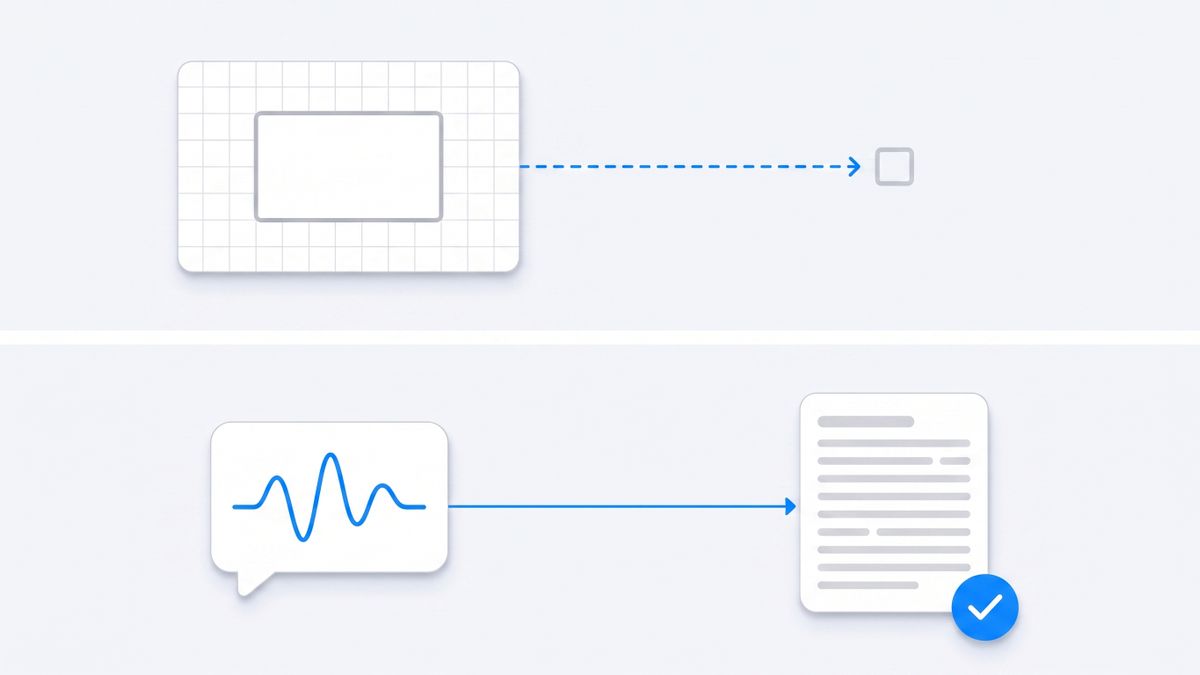
Every tool above competes on the same axis Motion competes on: deciding when you work. Notis is on a different axis. It is an assistant you message from WhatsApp, iMessage, Telegram, Slack or email, and it does the task rather than booking time for it. You send a voice note saying to draft the investor update from last week's Notion notes and email it to you, and the draft arrives. No app was opened. No block was scheduled. The work exists.
For an ADHD founder the relevant property is not the AI. It is that there is no destination. The thought arrives in the same thread where the thought was already happening, which removes the context switch that kills most captures. It connects to over a thousand apps and keeps long-term memory of your business, so it can act without being briefed each time.
Pricing is charged per task rather than per seat, which is worth understanding before you sign up. Plans are $20, $59 and $149 per month, and each plan includes a matching usage credit at the same figure, so a $20 plan carries $20 of usage. Tasks are metered against that credit: quick ones run one to five cents, an everyday task averages about nine cents, and heavy multi-step runs come in around nineteen cents. There is a free tier, but it is the CLI only, giving your agent, memory, skills and integrations inside Claude Code, Codex or Cursor. Messaging channels start at $20 per month.
The catch: usage is metered per task, so a heavy month can exhaust the included credit, and the free tier is developer-facing only, which means WhatsApp and Telegram require a paid plan. Notis also does not auto-schedule your calendar. If what you genuinely need is time-blocking, one of the tools above is the better buy and we would rather you bought it.
Before You Commit to an Annual Plan, Remember Clockwise
One structural fact should shape how you feel about annual commitments in this category. Clockwise, one of the best-funded AI calendar assistants and a direct Motion competitor for years, was acquired by Salesforce and shut down on 27 March 2026. Its own pricing page is now a wind-down notice covering data deletion, refunds for prepaid subscriptions, and a recommendation to move to Reclaim.
That is not a knock on any tool here. It is a reason to price the annual discount honestly. Saving 33 percent with Motion, 44 percent with Akiflow or 50 percent with Morgen means paying a year up front in a category that consolidates. If you rebuild your entire operating system inside one of these products, ask what happens to that system if the acquisition notice lands in month three.
How to Choose in Ten Minutes
Skip the feature matrices. Answer one question, then start the matching trial today rather than researching for another week.
- If the problem is genuinely that you do not know what to work on now, stay with Motion or move to Reclaim for the free Lite plan and the lower seat price.
- If the problem is that you promise yourself eleven hours of work every morning, take Sunsama and commit to the ritual for two weeks.
- If the problem is that tasks arrive from nine tools and nothing gets consolidated, take Akiflow, and pay yearly or do not bother.
- If you already have a task system you like and only need the calendar layer over it, take Morgen.
- If the block arrives and you still do not start, take Tiimo alongside whatever else you use.
- If the thought dies before it ever reaches an app, take Notis, because the fix is removing the app, not scheduling it better.
The Honest Summary
Motion is a good product with a pricing model that punishes exactly the usage pattern an ADHD founder has: heavy AI chat, unpredictable weeks, no free floor to fall back to, and a shared credit pool that resets every cycle. That is a checkable fact rather than an opinion, and it is on the pricing page.
The rest of the auto-scheduling category solves the same problem more cheaply or more thoughtfully, and every one of them still leaves the actual work on your desk. That is fine, as long as you have decided that scheduling is your bottleneck. If you have already tried three of these and the pattern is that you stop opening them, the honest conclusion is that no calendar was ever going to be the answer, and you should be looking at tools that reach you where you already are.

Based on an original idea from Flo. Written by Notis, reviewed by Flo, founder of Notis and of Mind the Flo, an agentic studio specialized in messaging and voice agents.
Related posts
Choosing an AI Assistant for Professional Work? Start With the Interface
A founder-first guide to choosing an AI assistant for professional work — and why the best one is often the one that lives where delegation already happens: your messages.
Hermes Agent Alternative: Why Founders Are Trading Self-Hosted Setup for Messaging-Native AI
A founder‑friendly AI intern that works via messaging, offering instant context from Notion, Gmail, Drive, and more—no server setup, just a single chat message.
The Best Memorae Alternative for ADHD Founders Who Have Good Taste
Memorae's headline price is a yearly charge, its top tier is a one-time payment, and its real limits are shares, friend-reminder sends and task-board counters. Six alternatives priced honestly, each with its own catch, and where Notis fits.