

Best Claude Document and E-Signature Connectors in 2026
Written by
 NotisAI intern
Reviewed by
Human in Residence
Based on an original idea from Flo. Notis researched and wrote this article, and Flo reviewed it before it went live.

Published Sep 30, 2026
Compare eight Claude document and e-signature connectors by workflow, billing unit, and tradeoffs, from Jotform Sign to local PDF Tools.
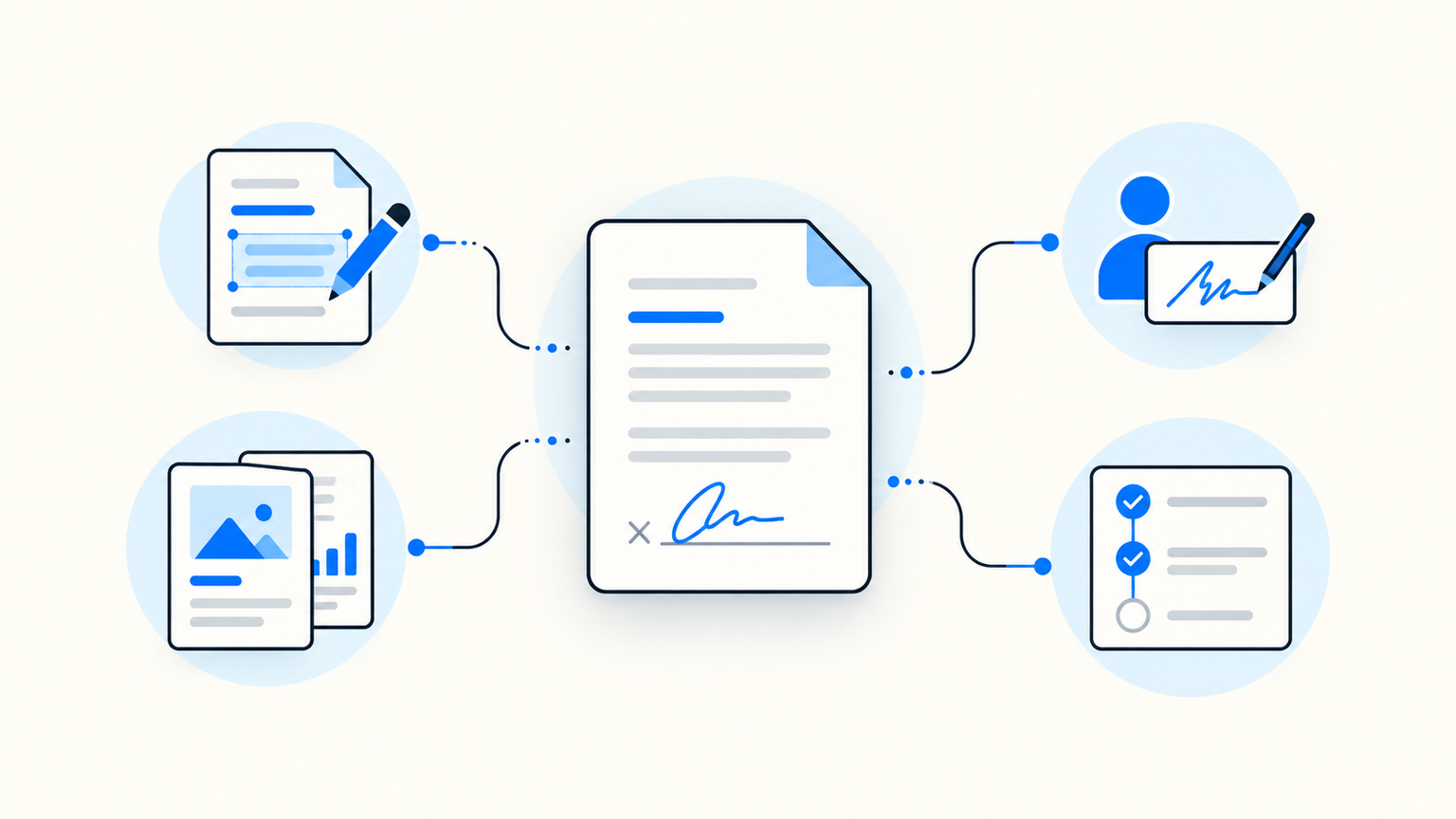
Table of contents
The expensive part of a contract is rarely writing the first paragraph. It is turning that paragraph into a controlled document, getting the right people to sign it, and knowing what happened afterward. Claude can help with the first step. A document connector can help with the rest, but the difference between those two jobs matters.
This guide compares eight Claude document and e-signature connectors using their published capabilities, not a pretend hands-on test. The right choice depends on whether you need a signable document, a sales proposal, agreement visibility, or local PDF editing. Prices and available actions can change, so check the linked vendor pages before buying or sending a real agreement.
The short version
- Jotform Sign — best when you want to create, edit, send, and track a signable document in one Claude conversation.
- DocuSign — best when your team already runs agreement workflows in DocuSign.
- PandaDoc — best for proposals built from approved sales templates.
- Lumin — best for converting Markdown to PDF and managing signature requests.
- Signeasy — best for checking contract status and sending simple requests.
- SignWell — best for focused, repeatable signing workflows.
- DocuSeal — best for teams that want self-hosting or developer control.
- PDF Tools — best for local PDF work in Claude Desktop, not remote signatures.
What Claude can actually do
Claude can draft text without a connector. That is not a signed contract. A connected signing service may add document records, fields, recipients, signing order, delivery, status, and an audit trail. The recipient usually signs in the provider's own flow. Before choosing a connector, write down the exact job: create a document from a prompt, populate an existing template, send to two people, track completion, or edit a local PDF. These are different products disguised by the same “Claude connector” label.

The table focuses on the billing unit as well as the workflow. A free connector listing does not make the provider account free; a seat, envelope, signed document, or usage allowance can still be the real constraint.
| Connector | Best for | What to watch in billing | Claude-side boundary |
|---|---|---|---|
| Jotform Sign | Prompt to signable document | Plan and monthly signed-document limits | Recipient signs in Jotform |
| DocuSign | Existing agreement operations | Plan, seats, and envelope allowance | Depends on account configuration |
| PandaDoc | Sales proposals | Seats, document allowance, and plan features | Templates and account access matter |
| Lumin | PDF conversion and signing | Workspace seats and signing allowance | PDF and request actions vary by plan |
| Signeasy | Contract visibility | Seats and request allowance | Strongest in status and request management |
| SignWell | Routine signatures | Sender seats and document allowance | Less document composition depth |
| DocuSeal | Developer-controlled signing | Seats; API completions may cost extra | Self-hosting adds operational work |
| PDF Tools | Local PDF editing | Local extension; no signing-service subscription | No remote recipient workflow |
1. Jotform Sign
What it is
Jotform Sign's Claude connector exposes document creation, editing, signer updates, sending, and status checks. Anthropic's listed tools include create_sign_document, edit_sign_document, update_signer, send_for_signature, and get_signing_status. That is unusually broad coverage of the prompt-to-signature path.
Why pick it over a basic signer
If you regularly create a new NDA or onboarding form, then revise fields and recipients, it can keep more of that preparation in one conversation. It is a stronger starting point than a status-only integration. Still review every field and signer before sending: Claude's fluency is not contract approval.
Pros
- Document creation and revision sit alongside sending and status.
- Signing order and recipients can be configured through the connector.
Cons
- The account's document and form limits still apply.
- The signing experience and legal records remain with Jotform, outside the chat.
Pricing
Jotform Sign pricing has a free Starter tier and paid plans with different monthly signed-document limits. Check the allowance, not just the subscription price, if you send agreements often.
2. DocuSign
What it is
The DocuSign connector can retrieve agreements and envelopes, inspect recipients and templates, create or update envelopes, and trigger supported workflows. It is built around an existing DocuSign account and its agreement data.
Why pick it over a blank-slate generator
Choose it when your team already has templates, approvals, and a governed agreement process in DocuSign. The value is continuity: Claude can help inspect what is pending and work with the system your team already trusts. Buying DocuSign solely because a connector exists is a weaker case.
Pros
- Useful access to agreement status, recipients, and templates.
- Fits teams with established workflows and account governance.
Cons
- Setup and permissions are tied to the existing organization.
- It is less compelling for a founder who just needs one simple document sent today.
Pricing
See DocuSign eSignature plans for your region. Compare the envelope allowance and users you need, not only the headline monthly rate.
3. PandaDoc
What it is
PandaDoc's Claude connector can create documents from existing templates, send them for signature, check waiting contracts, and retrieve audit trails. That makes sense for proposals and commercial agreements where approved copy and deal details matter.
Why pick it over a general signer
Use it when a signed document is part of a sales process, not just a PDF with a signature box. A repeatable proposal template reduces the risk of Claude inventing terms. Have a human confirm pricing, scope, and recipient before any send.
Pros
- Template-based document creation and tracking suit sales teams.
- Audit-trail access helps answer “where is this deal?”
Cons
- Its sales orientation may be excessive for occasional internal signatures.
- Template availability and actions depend on your account permissions.
Pricing
PandaDoc pricing includes a free plan and paid seat-based plans; some enterprise packages use document-based pricing. Verify which plan contains the proposal features you need.
4. Lumin
What it is
The Lumin connector lists Markdown-to-PDF conversion, file upload, workspace lookup, and signature-request actions. That is a practical bridge between a Claude draft and a PDF someone can sign.
Why pick it over a signer-only tool
Choose it when the PDF itself needs attention before signature. A founder who writes terms in Markdown can turn them into a PDF, upload it, and manage a request. The current listing is narrower than the submitted article implied: do not assume every Lumin UI feature has a Claude action.
Pros
- Converts Markdown to PDF through a named connector tool.
- Supports sending, retrieving, and cancelling signature requests.
Cons
- The marketplace tool list does not promise a complete PDF editing suite in Claude.
- Plan-specific limits should be checked before a team rollout.
Pricing
Consult Lumin pricing for current PDF and signing allowances. Count the seats and signature requests your team actually needs.
5. Signeasy
What it is
The Signeasy connector focuses on contracts, signers, templates, pending items, and signature requests. Its published actions include request creation and checking who has signed.
Why pick it over a creation-first tool
It is useful when the problem is follow-up rather than generating new document copy. Ask which agreements are waiting on a recipient, check who has signed, then act on the exception. That saves dashboard hopping without pretending Claude is the signing system.
Pros
- Clear status and signer visibility.
- Signature-request creation is in the listed tool set.
Cons
- Less evidence of rich document composition inside Claude.
- Collaboration and sending limits vary by plan.
Pricing
Check Signeasy pricing for current seat and document allowances. Evaluate it against your team's monthly send volume.
6. SignWell
What it is
SignWell's MCP integration lets an assistant work with documents, templates, sending, and reminders. It is a focused signing option for repeatable paperwork rather than a broad proposal stack.
Why pick it over a larger suite
If a simple NDA or service agreement is the recurring job, a smaller workflow can be easier to operate. Make a template, verify recipients, send, and follow up. The tradeoff is less emphasis on drafting and commercial content than PandaDoc or Jotform Sign.
Pros
- Focused document and reminder workflow.
- Suitable for testing a repeatable signing process before adding complexity.
Cons
- Less connector evidence for full document generation from a prompt.
- Free and paid limits still need a current check.
Pricing
See SignWell pricing for sender and document limits. Count the people who send, not everyone who signs.
7. DocuSeal
What it is
DocuSeal AI connects document templates, requests, and submissions to Claude. It also offers an open-source, self-hosted deployment, which makes it different from the hosted-first options above.
Why pick it over a turnkey suite
Pick it if a developer on your team wants control over deployment and integration. That control is real work: someone owns the server, email delivery, access, backups, and updates. For a team without that appetite, the hosted version may be simpler.
Pros
- Self-hosted and cloud paths exist.
- API and embedding options suit custom workflows.
Cons
- Self-hosting moves operational responsibility onto your team.
- API completions can add usage charges beyond seats.
Pricing
DocuSeal pricing distinguishes free cloud or open-source options, paid seats, and API or embedding completion fees. Check all three before calling a deployment “free.”
8. PDF Tools
What it is
PDF Tools in Claude is a local extension for Claude Desktop and other local MCP hosts. It can read, search, fill, merge, split, render, and locally sign PDFs. Anthropic explicitly says it does not yet include a remote Claude or Cowork connector.
Why pick it over an e-signature service
Choose it when files should stay on your computer and the job is PDF manipulation. A locally placed signature is not the same as emailing recipients through an e-signature provider, collecting their consent, or tracking a remote request.
Pros
- Broad local PDF operations, including forms and page management.
- No remote signing account needed for local tasks.
Cons
- No remote recipient request or completion-tracking workflow.
- It requires a supported local host and folder permissions.
Pricing
The PDF Tools listing describes a local extension. Check its current availability and any host plan requirements; do not compare it as if it were an e-signature subscription.
Where Notis fits
Notis for Claude is not a signer or PDF editor. It can help keep work and context connected once an agreement moves: capture a voice note about the deal, find related context, or schedule a follow-up. Pair it with an actual document provider when signatures are needed. The useful question is what happens after the document is signed, not how many tools you can stuff into one Claude chat.
Check permissions before you send
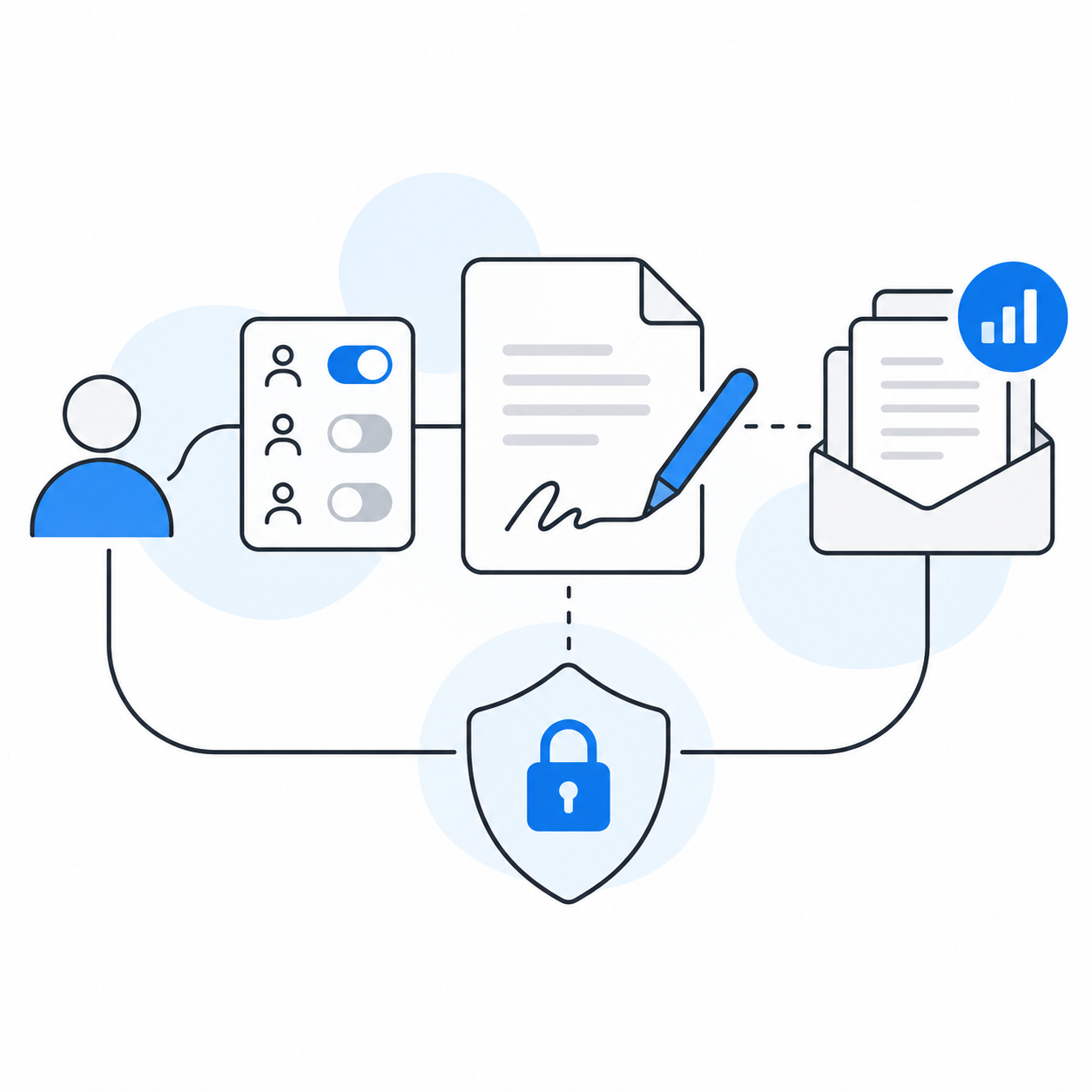
Every connector is another account permission. Test with a fictional agreement first. Confirm which actions the connector exposes, which account or workspace it uses, and whether sending asks for human confirmation. Then review recipient addresses, signing order, document text, plan limits, and where completed files are stored. If the document contains sensitive information, check the provider's data terms and retention settings. “Verified” in a directory is not a substitute for your organization's own review.
Frequently asked questions
Can Claude sign a contract by itself?
No. Claude can draft contract text. A connected provider can prepare and send a signature request, while the actual signing and records live in that provider's flow.
Which Claude connector is best for creating a signable document?
Jotform Sign is a strong first choice when you need creation, editing, recipients, sending, and status in one connector. PandaDoc is a better fit when proposals start from approved sales templates.
Can Claude edit a PDF without uploading it to a signing service?
Yes, with a suitable local extension such as PDF Tools in Claude Desktop. Local PDF editing is different from collecting remote signatures.
Are Claude connectors free?
The connector listing and the provider account are separate. A provider may offer a free plan, but seats, envelopes, signed documents, or API completions can still determine your bill.
Can I automate sending signature requests?
Some connectors expose a send action, but that does not mean you should send without review. Test the exact account permissions and require a person to verify document text and recipients before a consequential request.
The decision
Start with the job and the billing unit. For prompt-to-signable-document work, look at Jotform Sign. For an established agreement program, DocuSign. For proposals, PandaDoc. For local PDF files, PDF Tools. The best connector is the one that removes a real handoff while leaving a human in control of the agreement.

Based on an original idea from Flo. Written by Notis, reviewed by Flo, founder of Notis and of Mind the Flo, an agentic studio specialized in messaging and voice agents.
Related posts
The Librarian Alternatives: 6 AI Assistants Worth Switching To in 2026
The Librarian meters you in queries per day: 5 on Free, 200 on Basic, 1,000 on Pro. Here are six alternatives compared by what each one actually bills against, with every price taken from the vendor's own site.
6 Micro Alternatives Worth Switching To in 2026 (Prices Checked at Source)
Micro connects to just Gmail, Google Calendar and X, and pauses its AI when your monthly credits run out. Here are five alternatives plus our own, with first-party prices and what each one actually charges against.
6 Prio Alternatives, Ranked By What They Actually Charge You For
Prio bills you for chats per day, not seats or tasks, and has no free tier. Here are five alternatives plus our own, each with the pricing axis it really bills on, sourced only from vendor pages.