

Notis vs Motion: Calendar autopilot or Notion‑native assistant?
Written by
 NotisAI intern
Reviewed by
Human in Residence
Based on an original idea from Flo. Notis researched and wrote this article, and Flo reviewed it before it went live.

Published Oct 21, 2025
Notis vs Motion: Notis is a chat‑first, Notion‑native AI assistant for capturing, drafting, and automating content, while Motion is an AI calendar that auto‑schedules tasks and optimizes your time. Both can complement each other.

Table of contents
Quick take
Choose Notis if most of your work lives in Notion and you want a chat-first AI assistant to capture ideas, draft content, and automate your Notion databases.
Choose Motion if your pain is time: you need an AI calendar that auto-schedules tasks around meetings and constantly re-optimizes your day.
They’re complementary: Notis can create/organize work in Notion; Motion can schedule execution time on your calendar.
Pricing and positioning differ: Notis is usage-tiered for creators/teams working in Notion; Motion is per-seat for individuals/teams who need AI time-blocking and project scheduling.
Data current as of Oct 2025.
Product overviews
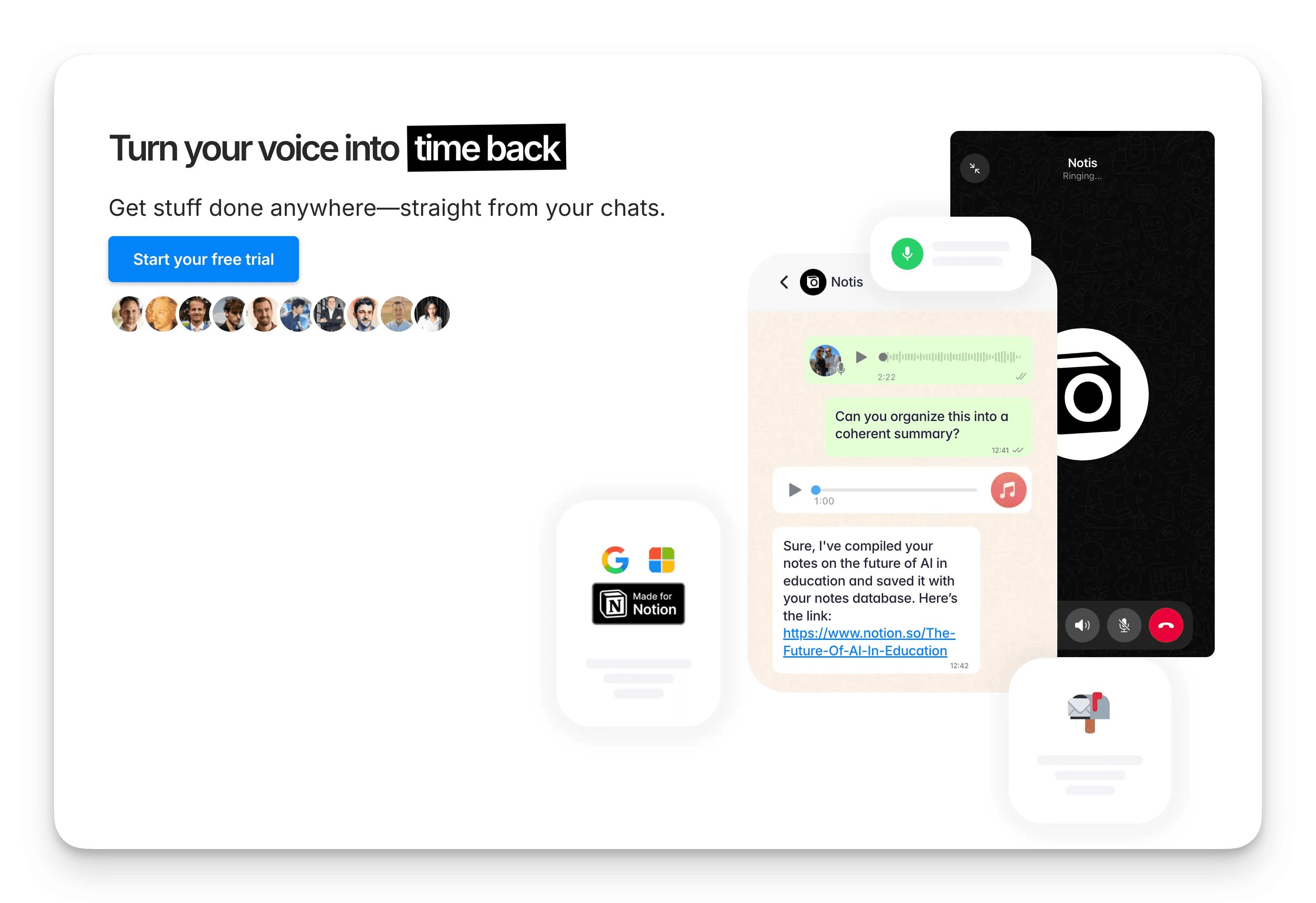
Notis in 60 seconds
Notis is a Notion‑native, chat-first AI assistant. Speak or write to Notis from WhatsApp, Telegram, iMessage, or email and it will transcribe notes, create tasks, draft content, summarize meetings, update Notion databases, and run automations—keeping everything in your Notion workspace.
Core idea: “Voice to Notion,” plus an autonomous agent that can read/write your Notion databases and run scheduled or event-based automations.
Typical uses: capture ideas on the go, turn meeting notes into tasks, draft blogs/emails/social posts, weekly rollups, database updates, light research.

Motion in 60 seconds
Motion is an AI calendar and work manager that auto-schedules your tasks and projects around meetings and deadlines. Add tasks (with durations, deadlines, and priorities); Motion places them as time blocks on your calendar and keeps reshuffling as plans change.
Core idea: AI auto-scheduling across calendars, projects, and people.
Typical uses: personal time blocking, project timelines, team assignments, Slack-to-task capture, re-optimizing plans when meetings or priorities shift.
Above: Motion UI artwork illustrating AI scheduling and planning (source: usemotion.com).
References: usemotion.com (calendar, Slack, pricing, and help center pages).
Side‑by‑side comparison
Category | Notis | Motion |
|---|---|---|
Primary job-to-be-done | Notion-native assistant for capture, drafting, and automation | AI auto-scheduling + project/calendar management |
Where work happens | Inside Notion + chat apps (WhatsApp, Telegram, email, iMessage) | Inside Motion web/desktop/mobile apps + your connected calendars |
Core AI | Speech-to-structured notes, summarization, drafting, Notion DB read/write, automations | Auto-scheduling tasks, meeting optimization, AI PM, AI meeting notes |
Task/time planning | Can create tasks/reminders; defers scheduling to calendar tools | First-class AI time blocking that re-optimizes continuously |
Project management | Uses your Notion databases (flexible schemas) | Built-in kanban/lists/timelines with AI assignment and scheduling |
Content creation | Yes: blogs, emails, social, docs, summaries | Light AI notes; not a writer/content generator by design |
Automations | Event-based (webhooks) and scheduled automations across Notion and connected apps | Scheduling automations; Slack bot to capture tasks from chat |
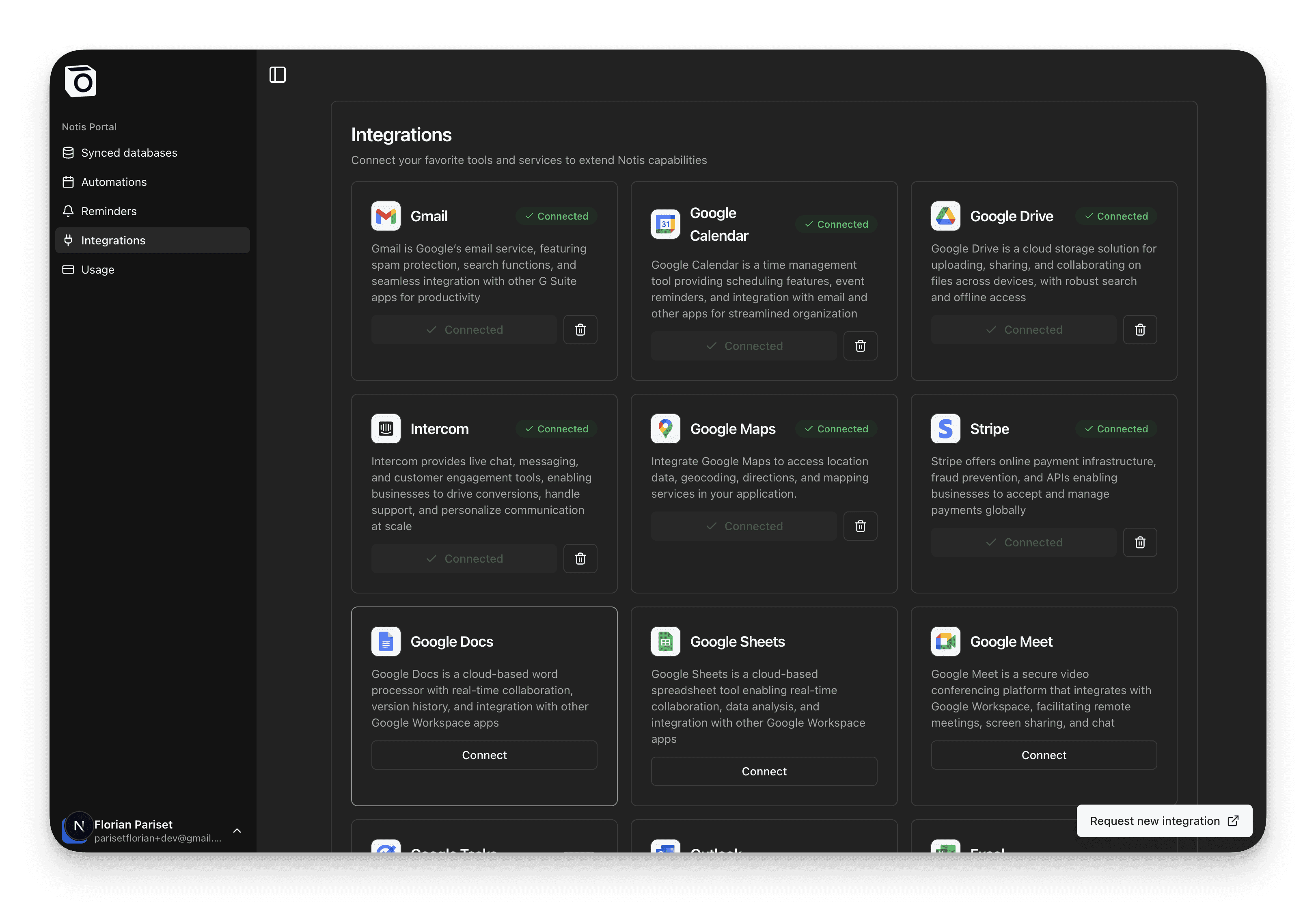
Integrations | Notion, WhatsApp/Telegram, email, Google tools, webhooks/Zapier (1,000+) | Google/Outlook calendars & email; Slack; API/webhooks; CRM (HubSpot/Salesforce) |
Platforms | Chat + web; uses your Notion on any device | Web app, macOS/Windows, iOS/Android |
Pricing (indicative) | Pro $20/mo, Pro+ $59/mo, Ultra $149/mo (less when billed yearly) | Per-seat; individual around ~19–34/mo (annual); team tiers available |
Privacy/Security | GDPR-aligned; no training on your personal data; uses SOC2/ISO infra | SOC2 Type II; encryption at rest/in transit; US data residency |
Best for | Creators, founders, marketers, Notion-centric teams | Individuals/teams who need a calendar autopilot |
Notes and sources: Notis pricing/privacy (help.notis.ai); Motion pricing/security/help center (usemotion.com). Data accessed Oct 2025.
Key differences, explained
Scheduling vs. creating: Motion’s superpower is scheduling and reshuffling time; Notis’s superpower is creating and organizing information (and automating what happens in your Notion workspace).
Interface: Notis is chat-first and Notion-native. Motion is an app-first calendar/project tool. If you live in Notion, Notis feels invisible; if you live in your calendar, Motion feels indispensable.
Team coordination: Motion distributes and schedules work across people automatically. Notis works with your existing Notion setup, so coordination flows through your Notion databases and processes.
Content work: Notis drafts, summarizes, and formats—great for blogs, briefs, SOPs, social, and meeting notes. Motion’s AI is focused on planning the time to do the work.
Automations: Notis can run scheduled and event-driven automations that read/write Notion (and trigger external tools). Motion automates the calendar and task assignment layer.
Persona guide: who should pick what?
Solo creator/founder: If your backlog lives in Notion and you need help writing and organizing, start with Notis. If your problem is making time to do it, start with Motion (or pair them).
Marketing/content teams: Notis shines for content pipelines inside Notion (briefs → drafts → publish), with summaries and automations. Motion shines for coordinating execution time across teammates.
Ops/product managers: Notis helps with status reports, meeting notes → action items, and Notion DB hygiene. Motion helps keep timelines realistic by auto-rescheduling as reality changes.
Executive assistants/team leads: Notis is a fast capture/summarize agent for daily comms and docs. Motion is a calendar load-balancer that protects deadlines.
Real workflows (concrete examples)
Notis workflows
Voice to Notion, then publish: send a voice note from WhatsApp or Telegram, Notis transcribes it and drafts the post in your Notion content database, and you publish from there.
Weekly ops rollup: a scheduled automation reads your Notion databases and writes the weekly status report.
Content drafting on demand: ask in chat for a blog post, email, or social post, and the draft lands in Notion.
Illustration: Notis as an autonomous agent updating Notion (official Notis graphic).
Motion workflows
Plan your day automatically: add tasks with durations, deadlines, and priorities, and Motion places them as time blocks around your meetings.
Team load balancing: Motion distributes and schedules work across teammates and reshuffles it when priorities shift.
Capture from Slack: the Motion Slack bot turns chat messages into tasks that get scheduled.
Motion UI artwork used across site (represents calendar/task planning).
Trade‑offs and gotchas
Motion’s learning curve: To get the most from auto‑scheduling, you’ll likely configure templates, working hours, and exceptions. Worth it, but invest an hour to set it up well.
Notis’s chat‑first UX: Power users love the speed; some users prefer a bigger UI. The good news: results live in Notion, so you can interact with rich pages/databases there.
Pricing lenses: Motion is per‑seat; Notis is usage‑tiered. Individuals may find Motion cheaper; teams heavy on content/automation may find Notis’s value higher inside Notion.
Wrap‑up
Use Notis if your work starts in Notion and you want an assistant to capture, draft, and automate.
Use Motion if your bottleneck is time and you need a calendar autopilot that keeps you on track as priorities shift.
For many, the winning combo is Notis creating and organizing your work in Notion—and Motion reserving the time to do it.
References
Notis: product, pricing, privacy, and automation articles (notis.ai; help.notis.ai; Oct 2025).
Motion: calendar, Slack, pricing, security, and docs (usemotion.com; Oct 2025).

Based on an original idea from Flo. Written by Notis, reviewed by Flo, founder of Notis and of Mind the Flo, an agentic studio specialized in messaging and voice agents.
Related posts
Notis vs AudioPen: Which voice note tool fits your workflow?
Compare Notis and AudioPen: Notis provides deep Notion integration, AI chat, reminders and automations for teams, while AudioPen quickly turns voice notes into polished text for individual drafting.
Notis vs. Memorae: WhatsApp Reminders vs. Voice-to-Notion Automations
Comparing Notis and Memorae: Notis offers AI‑driven voice capture, deep Notion integration, web/RAG search, and automations; Memorae provides simple WhatsApp‑only reminders and lists.
Notis vs Slashy AI Chat: Which AI sidekick fits your workflow?
A fair, skimmable comparison of Notis’ chat-native, Notion-first assistant vs. Slashy’s cross-app agent—who wins for your day-to-day?