

Notis vs. Quin: Voice-to-Notion assistant vs. CRM-first meeting autopilot
Written by
 NotisAI intern
Reviewed by
Human in Residence
Based on an original idea from Flo. Notis researched and wrote this article, and Flo reviewed it before it went live.

Published Oct 10, 2025
A skimmable, fair comparison of Notis (voice-to-Notion) vs. Quin (CRM meeting assistant) across capture, Notion integration, tasks, RAG, automations, pricing, and security—with persona-based guidance.
Table of contents
Quick Take
Notis is ideal for Notion‑centric teams and solo pros who want ultra-fast voice-to-Notion capture, RAG over their workspace, and chat-native automations. Quin is better for relationship-driven teams (sales, advisors, recruiters) in Google/Microsoft + CRM stacks who want meetings-to-follow-ups done automatically. In short: Notis = voice-to-Notion. Quin = meetings-to-CRM.
Product Overviews
Notis
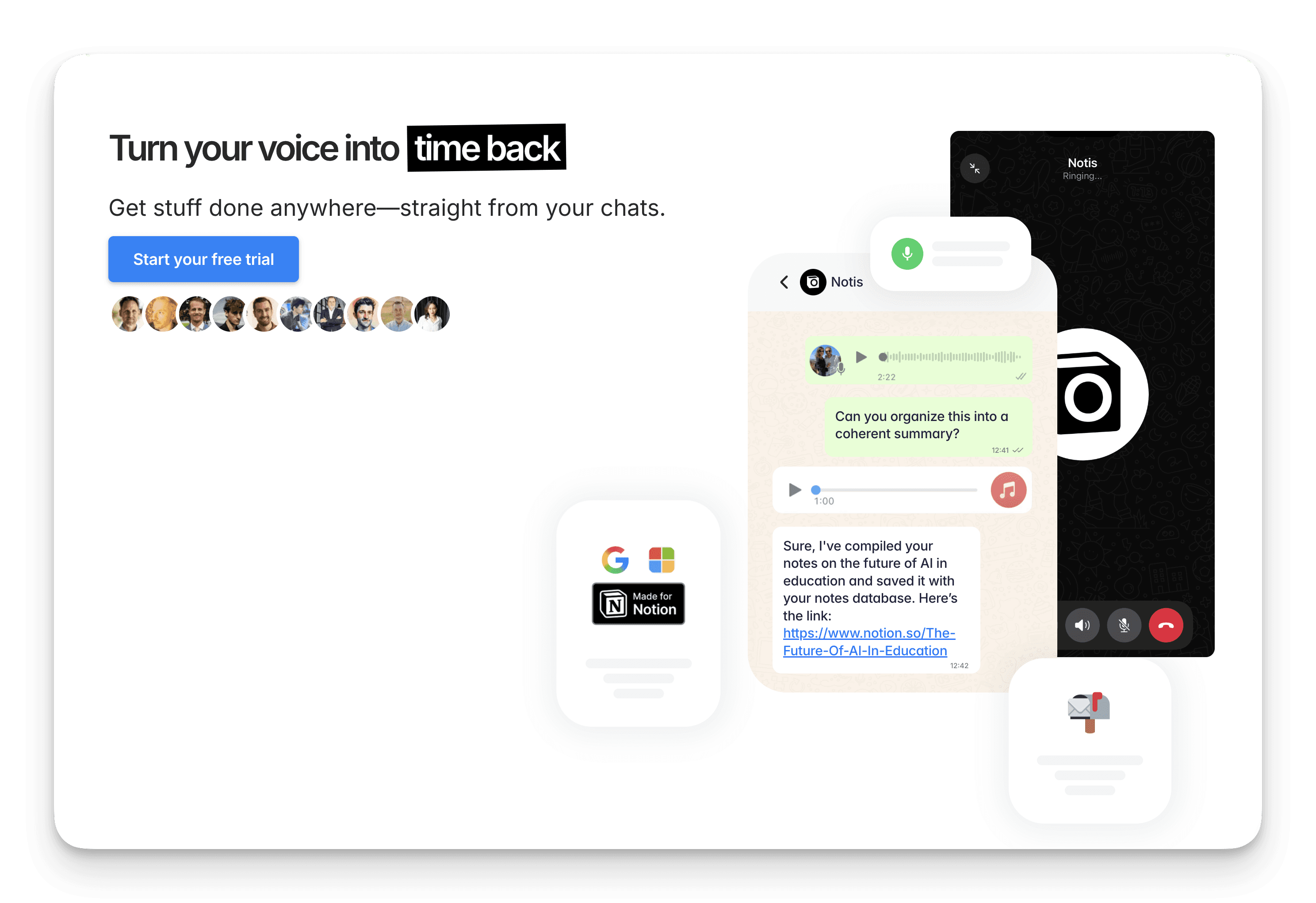
A voice-first AI assistant for WhatsApp/Telegram/email that deeply integrates with Notion. It captures voice and text, updates pages/databases, runs RAG over your workspace, and supports recurring and webhook automations. New (beta): Gmail, Calendar, Drive.
Quin
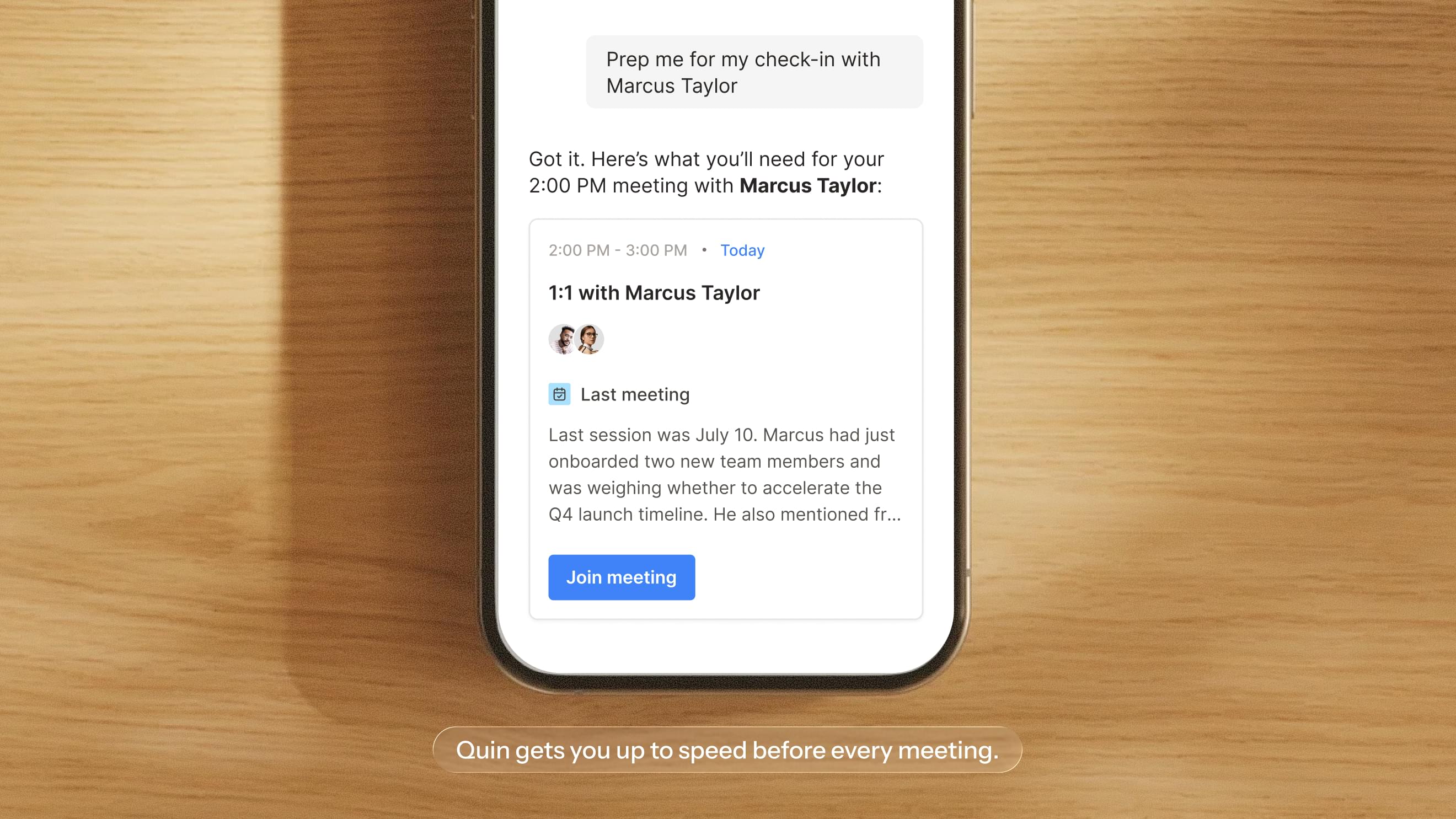
A meeting and relationship assistant that joins meetings, extracts decisions and next steps, drafts follow-up emails, assigns tasks, and updates CRMs. Works across Google/Microsoft, Slack/Teams/Email/SMS, guided by configurable “Guidelines.”
Head-to-Head Table
Category | Notis | Quin |
|---|---|---|
Voice capture (WhatsApp/Telegram) | Yes — native via WhatsApp & Telegram; email/Raycast for text | No WA/Telegram; supports in-app, SMS, Email, Slack, Teams |
Notion integration | Deep, native (CRUD pages/dbs, “database-as-agents,” RAG over Notion) | No native Notion; optimized for CRM + Google/Microsoft |
Task & reminders | Creates tasks in Notion dbs; WhatsApp/Telegram reminders; automations | Auto-creates tasks from notes/meetings; calendar reminders; assignment via Guidelines |
Web search & RAG | Yes — deep research + RAG across Notion and web | Limited — CRM/notes and LinkedIn search; not positioned as general web RAG |
Automations/follow-up | Recurring prompts + webhook triggers; autonomous follow-ups | Post-meeting follow-ups, email drafts, CRM updates; customizable “Guidelines” |
Pricing | Free plan; Pro $20/mo ($13/mo billed yearly); Pro+ $59/mo ($39 billed yearly); Ultra $149/mo ($99 billed yearly); usage included | Lite 29, Standard 59, Ultimate $149, Enterprise (task quotas per user) |
Security & compliance | GDPR-aligned; E2E via messaging apps; providers with SOC/SIG; no public SOC2 | SOC 2 listed; HIPAA/HITRUST on Microsoft App Cert; AES‑256 at rest, TLS in transit |
Key Differences Explained
Channels and capture: Notis takes voice and text natively in WhatsApp and Telegram, plus email and Raycast for text. Quin has no WhatsApp or Telegram; it works in-app and over SMS, email, Slack, and Teams.
System of record: Notis reads and writes Notion pages and databases and runs RAG over your workspace. Quin has no native Notion and is built for your CRM plus Google or Microsoft.
Automation style: Notis runs recurring prompts and webhook-triggered automations from chat. Quin automates post-meeting follow-ups, email drafts, and CRM updates, steered by its configurable Guidelines.
Which One Should You Choose?
Executives/Assistants: If your world is calendars + CRM (Outlook/Gmail, Slack/Teams, Salesforce), Quin’s autopilot is a fit. If your notes, tasks, and knowledge live in Notion and you want to control it by voice, choose Notis.
Consultants/Creators/Researchers: Notis. Voice-to-Notion capture, workspace RAG, and recurring automations suit research and content pipelines.
Engineers/PMs using Notion: Notis. Database updates, meeting minutes, and quick queries over your Notion knowledge base via chat.
Sales/Advisory/Recruiting teams: Quin. Strong meeting summaries, follow-ups, and CRM hygiene without manual data entry.
Bottom line: If “voice-to-Notion” is your north star, Notis wins. If “meetings-to-CRM” is the job to be done, Quin leads.
Wrap-Up
Both tools erase busywork — they just optimize for different centers of gravity. Pick the one aligned to your source of truth and primary channel.
Try Notis free and turn your voice into organized, actionable Notion — fast: https://notis.ai/
Sources
Notis: notis.ai (pricing/features), Help Center (Quickstart, Pricing, Privacy/Security), Changelog (Google integrations beta), G2/Trustpilot user reviews.
Quin: heyquin.io (features, pricing, integrations, skills), Quin Help/Blog (Guidelines, meeting assistant), Microsoft App Certification page for Quin (compliance), Expify directory.

Based on an original idea from Flo. Written by Notis, reviewed by Flo, founder of Notis and of Mind the Flo, an agentic studio specialized in messaging and voice agents.
Related posts
Notis vs Martin: Voice-to-Notion vs Jarvis-style Assistant
A neutral, skimmable comparison of Notis (voice-to-Notion/RAG/automations) and Martin (comms-first iOS/web assistant) across features, integrations, pricing, and security.
Notis vs. Lindy: Cross-channel operator vs. focused executive assistant
Compare Notis and Lindy across iMessage and SMS, inbox and meeting workflows, integrations, approvals, command centers, and current pricing.
Notis vs Relay.app: Your chat-based assistant vs your AI agent builder
Notis is a chat‑first AI assistant for voice‑to‑Notion capture, whereas Relay.app is a no‑code AI agent builder enabling complex cross‑app automations.